

11 Best AI Room Design Tools for Homeowners: Visualize & Save
Forget endless Pinterest scrolling or costly consultations. Accessible AI room design tools are a game-changer, reducing design concept time by 50% and transforming blank room photos into styled options in minutes.
Transform Your Home with AI: The Best AI Room Design Tools for Homeowners
Transform Your Home with AI: The Best AI Room Design Tools for Homeowners
While many homeowners default to endless Pinterest scrolling or costly professional design consultations, the real game-changer for visualizing home improvements comes from accessible AI room design tools. These platforms offer a surprising shortcut: reducing initial design concept time by 50% or more, transforming a blank room photo into dozens of styled options in minutes. This immediate feedback loop sidesteps the common frustration where "approximately 85% of homeowners struggle to visualize how new furniture or decor will look in their space before purchasing," according to industry reports.
Gone are the days when designing your dream living room or a refreshed bedroom meant guessing or spending $5,000 to $15,000+ on a professional interior designer in a major Canadian city like Vancouver or Montreal. The best AI room design tools for homeowners democratize this process, offering budget-friendly — often free — alternatives that turn abstract ideas into concrete, actionable plans. This article focuses on practical workflows and affordable options, ensuring every Canadian homeowner can confidently implement designs without fear of expensive mistakes, like buying a sectional that doesn't quite fit their Toronto semi-detached.
Understanding which tools truly deliver on their promise and how to integrate them into your home renovation or decorating project is key. We'll explore easy AI room planners that empower you to not just dream, but to see and save, making informed decisions that respect both your aesthetic vision and your wallet.
Understanding the Appeal: Why AI Room Design is a Game-Changer for Homeowners
Why AI Room Design is a Smart Move for Canadian Homeowners
The biggest hurdle for many homeowners planning a refresh, from a condo living room in Vancouver to a semi-detached kitchen in Halifax, isn't a lack of ideas—it's the fear of expensive mistakes. You pick a paint colour that looks great online, only to find it clashes terribly with your sofa once it's on the wall. This hesitation often stalls projects entirely. AI room design tools directly address this by offering a virtual sandbox, allowing you to experiment with layouts, colours, and furniture before spending a dime, effectively demystifying the design process and empowering DIYers across Canada.
Before AI, achieving a professional-level visual meant hiring an interior designer, which can run anywhere from $50 to $500 per hour in major Canadian cities, or upwards of $5,000 for a full project. Now, the best AI room design tools for homeowners make advanced visualization accessible. They significantly cut down the initial design phase; some users report reducing concept generation time by 50% or more, moving from vague ideas to concrete plans in hours, not weeks.
These numbers from industry reports highlight a clear trend: people want to see it before they buy it. Augmented reality (AR) features, common in tools like DecorMatters, let you "place" a new armchair from The Brick or a dining table from Leon's directly into your living room using your phone's camera, offering a surprisingly accurate preview. This level
How to Choose the Right AI Room Design Tool for Your Project (Key Features & Considerations)
Choosing among the many AI room design tools can feel overwhelming, like picking a paint colour from a thousand swatches. The right tool aligns with your project's scope and your wallet, ensuring you move from inspiration to a tangible plan without frustration.
Quick Reference: Picking Your AI Design Tool
Many offer a free tier, but often limit features like high-resolution exports or extra design generations. Freemium tools (e.g., Homestyler) might give basic 2D layouts for free, while 3D rendering or more furniture options require a subscription. Truly free AI interior design tools for home exist, but often have fewer advanced features.
Look for intuitive interfaces. Tools like RoomGPT excel at quick visual changes, ideal for a homeowner in Calgary wanting to see new curtains. Complex renovations might need a tool like Planner 5D, which has a steeper learning curve but offers detailed 2D/3D floor planning.
A simple decor refresh (new cushions, paint) suits quick visualizers. Major structural changes, like moving walls in a Toronto semi-detached, demand tools with robust floor planning and spatial analysis. Small apartment dwellers in Vancouver often prioritize efficient layout tools.
AI renderings look impressive, but real-world lighting and material textures can differ. Manage expectations; the virtual space is a strong guide, not an exact replica. Think of it as a highly detailed sketch, not a photograph of your finished room.
The best AI room design tools for homeowners allow easy sharing of designs with contractors or family. Some, like DecorMatters, even link directly to
Many homeowners dream of reconfiguring a cramped kitchen or adding a mudroom, but struggle to visualize structural changes. Planner 5D excels here, moving beyond simple decor swaps to offer robust tools for designing entire room layouts and planning significant home renovations. It's one of the best AI room design tools for homeowners tackling more complex projects. For a homeowner in Calgary considering a basement reno or a semi-detached kitchen overhaul, Planner 5D provides the detailed planning capability to visualize the entire space before hiring contractors. While its AI features are more about rendering your designs than generating them from scratch, it bridges the gap between architectural planning and interior styling effectively. Many homeowners struggle to visualize how new furniture or paint colours will look in their space, a common pain point for about 85% of us. Homestyler helps bridge this gap, offering a freemium tool that balances ease of use with detailed design capabilities. It’s one of the best AI room design tools for homeowners looking to visualize specific products in their actual rooms. Homestyler excels for homeowners planning a significant room overhaul or purchasing specific items, allowing them to see exactly how a new sectional from The Brick might fit. While its free tier has limitations, the detailed product integration makes the paid version a strong value for avoiding costly design mistakes. DecorMatters helps homeowners visualize specific furniture and decor items in their actual rooms before buying. It stands out among the best AI room design tools for homeowners by combining AI-powered design suggestions with augmented reality (AR) shopping, a feature over 70% of consumers prefer when shopping for home goods. The key feature here is its Augmented Reality mode, letting you virtually place a new sofa or rug into your living room to check scale and colour fit. While it excels at visualizing individual pieces, homeowners planning extensive renovations might find its comprehensive layout tools less robust than other options. Choosing the right AI room design tool can feel overwhelming, especially with so many options promising to transform your space. About 85% of homeowners struggle to visualize changes before buying, making these tools invaluable for avoiding costly mistakes. This quick comparison helps you pinpoint which of the best AI room design tools for homeowners aligns with your specific project and budget. Each tool offers a unique strength, from quick visual refreshes to detailed floor planning for a full reno in a Vancouver townhouse. Understanding these distinctions helps homeowners confidently select a tool that matches their practical needs and financial comfort, moving from a vague idea to a clear, actionable design plan. Translating an AI-generated design from screen to reality requires a structured approach. While tools like iDecorAI can spark incredible ideas for your living room in a semi-detached Toronto home, the transition from pixel to paint chip needs careful planning to avoid costly mistakes. Begin with clear, well-lit photos of your actual room. For a small condo kitchen in Vancouver, specify "modern minimalist" with "light wood cabinets" and "integrated appliances" in your prompt to guide the AI effectively. AI renderings are aspirational; colours can shift slightly, and textures might look different in person. About 85% of homeowners struggle to visualize changes, but remember the AI provides a strong concept, not a perfect photo of your future space. Break down the AI design into a shopping list: paint colours, furniture styles, and decor items. For a bedroom refresh, this means specific curtain lengths, rug dimensions, and a budget for a new dresser from a retailer like Structube or EQ3. Use the AI design as a springboard. If it suggests a bold accent wall, consider a slightly softer shade or a different texture to better suit your personal comfort in a family room. Your unique style should always be the final filter. By following these steps, homeowners can effectively bridge the gap between AI visualization and a tangible, beautiful home. This practical application of best
Deciding between using one of the best AI room design tools for homeowners and hiring a professional interior designer often comes down to budget and project scope. While AI offers rapid visualization and concept generation for a fraction of the cost, a human designer provides bespoke solutions and deep, personalized expertise. For a simple living room refresh or exploring paint colour options, an AI tool like RoomGPT can generate dozens of ideas in minutes, costing you nothing or a minimal subscription fee. Conversely, a full home renovation in Vancouver, especially one involving structural changes or custom millwork, typically demands a professional. Industry data shows that professional interior designers can charge anywhere from $50 to $500 per hour, or $5,000 to $15,000+ for a comprehensive project. These costs reflect their experience, vendor relationships, and ability to manage complex timelines and contractors – services AI tools don't currently replicate. AI empowers homeowners to experiment with layouts and styles, offering a powerful first step in visualizing changes before committing to expensive purchases. For instance, you can test how a new sofa from EQ3 looks in your space using an AI tool, avoiding the common pain point of buying furniture that doesn’t fit. However, AI lacks the nuanced problem-solving a human brings to unexpected site challenges or the ability to source unique, locally crafted pieces. Many homeowners find a hybrid approach effective: use AI for initial brainstorming and refining your vision, then consult a designer for complex elements or to validate your final plan. This blends cost savings with expert guidance, ensuring your design is both practical and beautiful. Moving from a vague vision to a beautifully designed living space doesn't require an interior designer's hefty hourly fee, which can range from $50 to $500 in cities like Vancouver or Toronto. Instead, the best AI room design tools for homeowners put that power directly in your hands. About 85% of homeowners struggle to visualize how new furniture or paint colours will look, a common pain point these tools directly address. For quick ideas and a low-commitment start, free tools like RoomGPT offer a great entry point, especially if you’re just experimenting with a new look for your living room or a child's bedroom. If your project involves a more detailed renovation, perhaps a basement overhaul in a mid-century bungalow, freemium options like Homestyler or comprehensive planning tools like Planner 5D become invaluable. They help you draft floor plans and visualize structural changes, saving you from expensive design mistakes. When it comes to purchasing, DecorMatters stands out by letting you virtually place actual products from specific retailers into your space using augmented reality. This helps bridge the gap between AI renderings and real-world shopping, a crucial step since over 70% of consumers prefer visual aids like 3D models when buying home goods online. By carefully selecting the right AI tool for each stage of your project and managing your expectations regarding rendering accuracy, you can confidently transform your home, moving from abstract ideas to a beautiful, budget-friendly reality. For homeowners, popular AI room design tools include Planner 5D, RoomGPT, and Homestyler. These platforms allow users to upload photos of their rooms or create layouts from scratch, then experiment with different furniture, colours, and decor styles. iDecorAI offers a user-friendly interface for visualizing various design concepts quickly, helping Canadians see how new paint colours or furniture arrangements might look in their living spaces before making purchases. Other options like DecorMatters also provide strong visualization capabilities. AI tools help homeowners visualize design changes without commitment or cost. You can experiment with paint colours, furniture layouts, and decor styles in a virtual space, avoiding expensive mistakes. For a Toronto condo owner, this means seeing if a new sofa fits their living room before buying it, or how different lighting affects a basement rec room. AI offers quick, personalized inspiration, making design accessible and reducing decision fatigue for busy families. Choosing the best AI design app depends on your specific needs. Consider if you want to upload existing room photos for quick mock-ups, or prefer building 3D layouts from scratch. Look for tools with a wide library of furniture and decor, realistic rendering quality, and an intuitive interface. Some apps excel at specific tasks, like visualizing paint colours, while others offer comprehensive room planning. A free trial can help determine if a tool fits your design workflow. Yes, several AI tools offer free tiers or limited functionalities for visualizing room decor ideas. Platforms like RoomGPT often provide a few free renders daily, allowing homeowners to experiment with basic style changes. Many apps operate on a freemium model, where core features are free, but advanced options, higher-resolution images, or unlimited designs require a subscription. These free versions are excellent for initial inspiration and testing out a tool's capabilities before committing financially. AI room design tools are powerful aids for visualization and inspiration, but they cannot fully replace a professional interior designer. Designers bring invaluable expertise in space planning, structural considerations, custom solutions, and understanding a client's unique lifestyle and needs. While AI can suggest layouts or colour palettes, it lacks the human touch for complex projects, budget management, or navigating contractor relationships. AI is a fantastic assistant, not a substitute for professional judgment.RoomGPT: Free AI Room Visualizer for Quick Decor Ideas
RoomGPT: Free AI Room Visualizer for Quick Decor Ideas
Sometimes, the biggest hurdle is just seeing a new possibility in your existing living room or bedroom. RoomGPT offers a straightforward, free solution for homeowners in places like Calgary or Halifax who need quick visual inspiration without committing to complex software or a designer's fee. It excels at turning a photo of your current space into a refreshed design concept in seconds.
The Upside
Considerations
Planner 5D: Comprehensive 2D/3D Floor Plans & Interior Design
Planner 5D: Comprehensive 2D/3D Floor Plans & Interior Design
Strengths for Renovators
Considerations for Casual Users
Homestyler: Freemium Tool for Detailed Home Design & Furnishing
Homestyler: Detailed Design with Real Products
The Upside
Considerations
DecorMatters: AI-Powered AR Shopping for Real-World Previews
DecorMatters: AI-Powered AR Shopping for Real-World Previews
What Works Well
Things to Consider
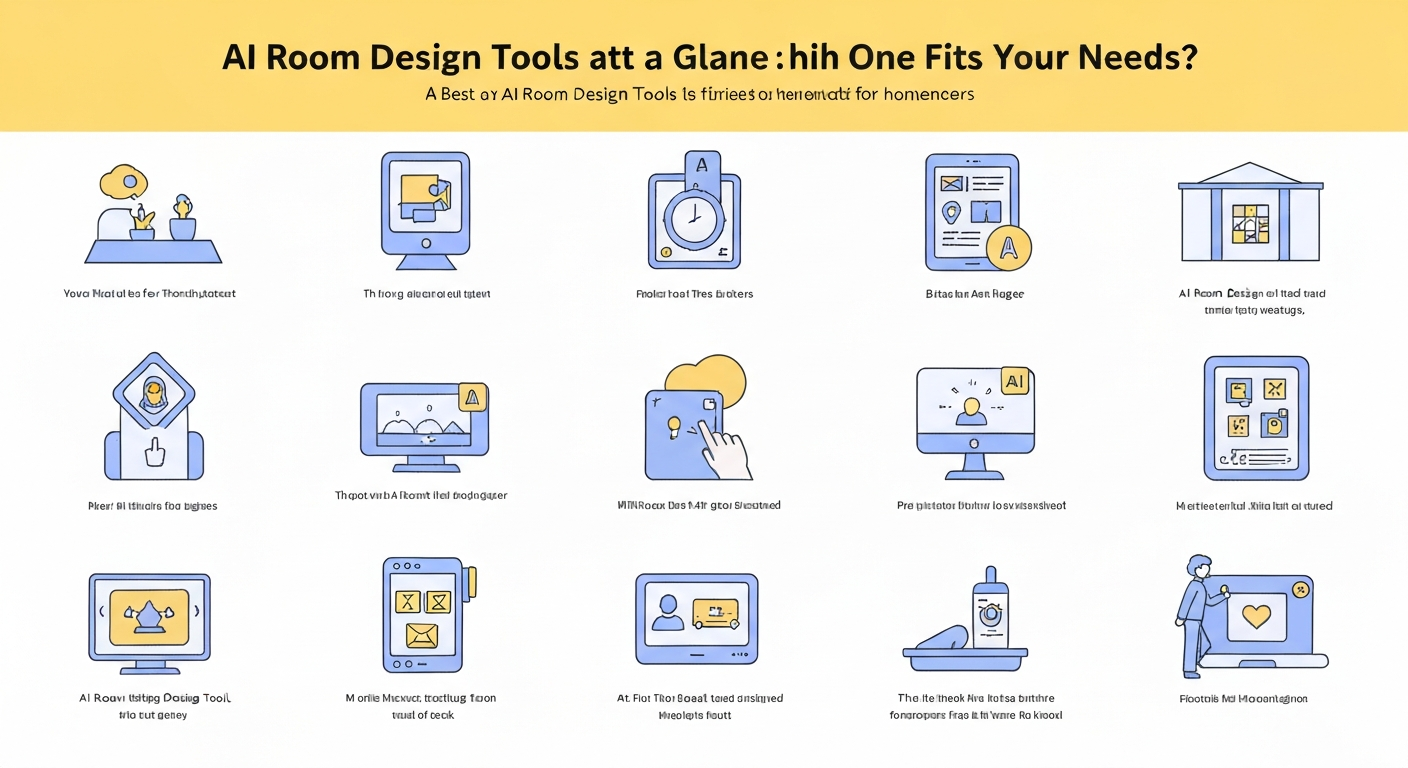
AI Room Design Tools at a Glance: Which One Fits Your Needs?
Tool Name
Key Feature Focus
Pricing Model
Best For
RoomGPT
Fast style generation from photos
Mostly Free (limited generations)
Quick decor ideas, style inspiration
Planner 5D
Detailed 2D/3D floor plans, extensive catalog
Freemium (paid for HD renders, full catalog)
Renovations, custom layouts, furniture planning
Homestyler
Realistic rendering, AR features, product integration
Freemium (paid for advanced features, more renders)
Detailed design, visualizing specific products
DecorMatters
AI-powered AR shopping, design community
Freemium (paid for premium features)
Shopping for furniture, trying products in your space
Beyond Visualization: Practical Implementation & Troubleshooting for AI Designs
Practical Implementation Tips
Upload & Prompt Smartly
Manage Visual Expectations
Create an Actionable Plan
Refine & Personalize
AI Room Design Tools vs. Professional Designers: Making the Smart Choice
Final Verdict: Your Path to a Perfectly Designed Home
Frequently Asked Questions
What are the top AI room design tools for home use?
Why should homeowners use AI for interior design?
How do I choose the best AI room design app for my home?
Are there free AI tools to visualize room decor ideas?
Can AI room design tools replace a professional interior designer?
Frequently Asked Questions
What are the top AI room design tools for home use?
Why should homeowners use AI for interior design?
How do I choose the best AI room design app for my home?
Are there free AI tools to visualize room decor ideas?
Can AI room design tools replace a professional interior designer?
Keep reading
All articles →
Visualize Your Dream Home: Zillow AI's Reality Check & How to Master It
Zillow's new AI tool goes beyond staging, democratizing the 'designer's eye' for house hunters. It allows you to test personal style against a property's bones, fundamentally shifting how you visualize your dream home.

Real-World Test: We Tried 13 AI Interior Design Tools So You Don't Have To (Here Are Our Top 3 Picks!)
The sheer volume of new AI interior design tools often complicates the design process for homeowners. Our Real-World Test of 13 platforms reveals which truly deliver actionable, budget-friendly plans.

Dream Home on a Budget & Timeline: AI for Faster, Affordable Redesigns
While many assume a personalized dream home requires a hefty budget, AI tools are fundamentally shifting this reality, acting as a personal project manager for your entire redesign. They provide a step-by-step blueprint that optimizes every phase, making your dream home a tangible goal.