

Real AI Bedroom Design Ideas Video Walkthrough: Transform Your Space
Many homeowners struggle to visualize AI design changes, making static renderings less helpful than they seem. Our AI bedroom design ideas video walkthrough provides a practical, step-by-step guide to transform your actual space.
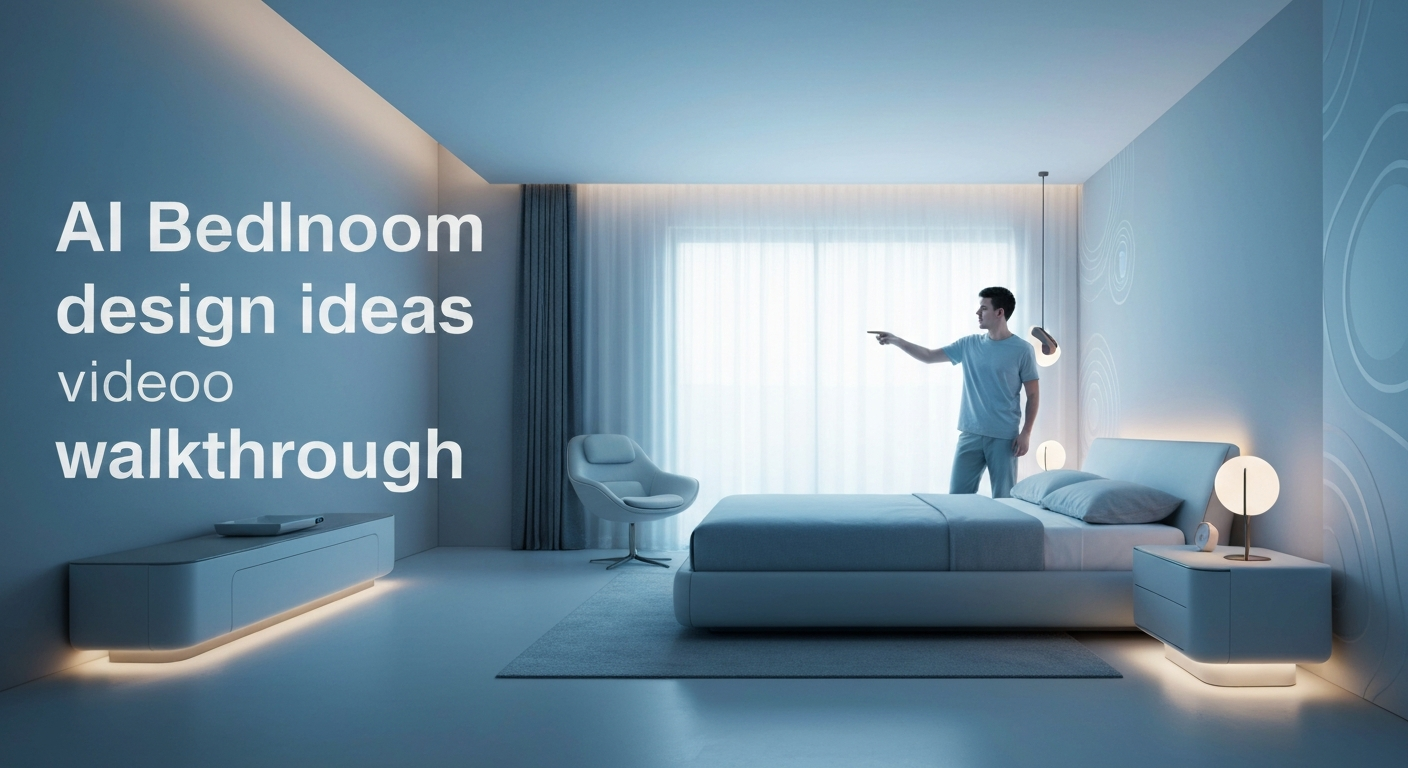
Unlock Your Dream Bedroom: A Real AI Design Transformation Video Walkthrough
While AI design tools promise effortless transformations, the real challenge for many Canadians isn't the AI itself, but translating those glossy, generated images into a tangible plan for their own semi-detached or condo bedroom. About 60% of homeowners struggle to visualize design changes before committing, according to industry surveys, making static AI renderings less helpful than they seem. This 'Real Bedroom Transformation' series tackles that head-on with an AI bedroom design ideas video walkthrough, moving beyond pretty pictures to a practical, step-by-step guide for redesigning an actual space.
This video series demystifies the entire process, from uploading a photo of a typical guest room in a Toronto townhouse to generating diverse design concepts. We address the common uncertainty about which AI tools offer the best balance of features and ease-of-use for a DIY decorator. You will see how to refine initial AI suggestions, ensuring they align with a realistic budget and existing room constraints, like a sloped ceiling or a fixed window placement.
Our goal is to bridge the gap between abstract AI concepts and actionable steps. We demonstrate how to move from a striking AI visualization to a shoppable list of similar items, helping you save both time and an average of 15-20% on initial design costs compared to hiring a traditional designer, based on recent cost analyses. Prepare to see a real bedroom evolve, offering concrete insights you can apply to your own space.
What is AI Bedroom Design and Why It's a Game-Changer for Your Space
AI Bedroom Design: Beyond the Mood Board
For years, homeowners in places like Vancouver or Halifax have struggled to envision a new bedroom layout without moving a single piece of furniture. AI bedroom design shifts this entirely, moving past static mood boards to generate dynamic, personalized concepts directly from your room's existing photos. Instead of guessing how a mid-century modern bed frame might look in your small condo bedroom, tools like iDecorAI can show you in seconds, integrating specific furniture styles, colour palettes, and lighting schemes.
This technology offers a practical solution to a common pain point: about 60% of homeowners find visualizing design changes challenging before starting a renovation, according to a 2022 industry survey. AI tools analyze your uploaded images and preferences, instantly generating various design styles, from minimalist Scandinavian to cozy maximalist, tailored to your actual space. This rapid visualization capability is making professional-level design accessible to everyone, from first-time homeowners in Calgary to seasoned renovators in Montreal.
"Before AI, convincing a client on a bold colour scheme for their master bedroom meant expensive renders or a leap of faith. Now, we can show them five versions in minutes." — interior design consultant, Edmonton
The numbers highlight AI's growing impact. The global AI in interior design market is projected to reach over $100 million by 2028, reflecting its rapid adoption. This growth is driven by tangible benefits: using AI design tools can reduce the initial planning phase of interior design by up to 50%, saving significant time for DIY decorators. Moreover, homeowners can save an average of 15-20% on design costs compared to hiring a traditional interior designer for initial concepts, making sophisticated design more
Choosing the Best AI Tool for Your Bedroom Design Project (and Why)
Choosing the Right AI Tool for Your Bedroom Project
The sheer volume of AI design tools available today can feel overwhelming, but the truly effective ones for a bedroom makeover aren't always the flashiest; they're the ones that simplify, not complicate, your vision. Many tools boast complex features, yet the best choice for a smooth design process, especially for an AI bedroom design ideas video walkthrough, hinges on practical usability and realistic output. Industry reports indicate that roughly 60% of homeowners struggle to visualize design changes, making a tool's ability to render practical, believable visuals critical.| Feature/Aspect | Priority for Bedroom Design | Why It Matters |
|---|---|---|
| Interface & Ease of Use | High | Avoids frustration; lets you focus on design, not software. A senior kindergarten teacher in Halifax, for example, needs intuitive tools, not CAD software. |
| Photo Upload & Prompting | High | Allows direct transformation of *your* space and precise control over style inputs. |
| Realistic Rendering | Very High | Ensures AI suggestions actually look good in a real room, not just a digital concept. This addresses concerns about practicality. |
| Product Recommendations | Medium-High | Bridges the gap between a visual concept and actionable shopping. |
| Cost & Access | Medium | Subscription vs. one-time use; web-based access is often preferred for accessibility. |
Choosing an AI tool with an intuitive interface and strong visual output means less time learning software and more time refining your actual bedroom design. Over 70% of consumers are more likely to purchase decor if they can visualize it beforehand, reinforcing the need for realistic renderings.
"I don't need a tool that can design a skyscraper; I need one that can show me how a new duvet cover and paint colour will look in my small condo bedroom without me buying anything
Introducing Our Chosen AI Design Partner: RoomGPT Pro
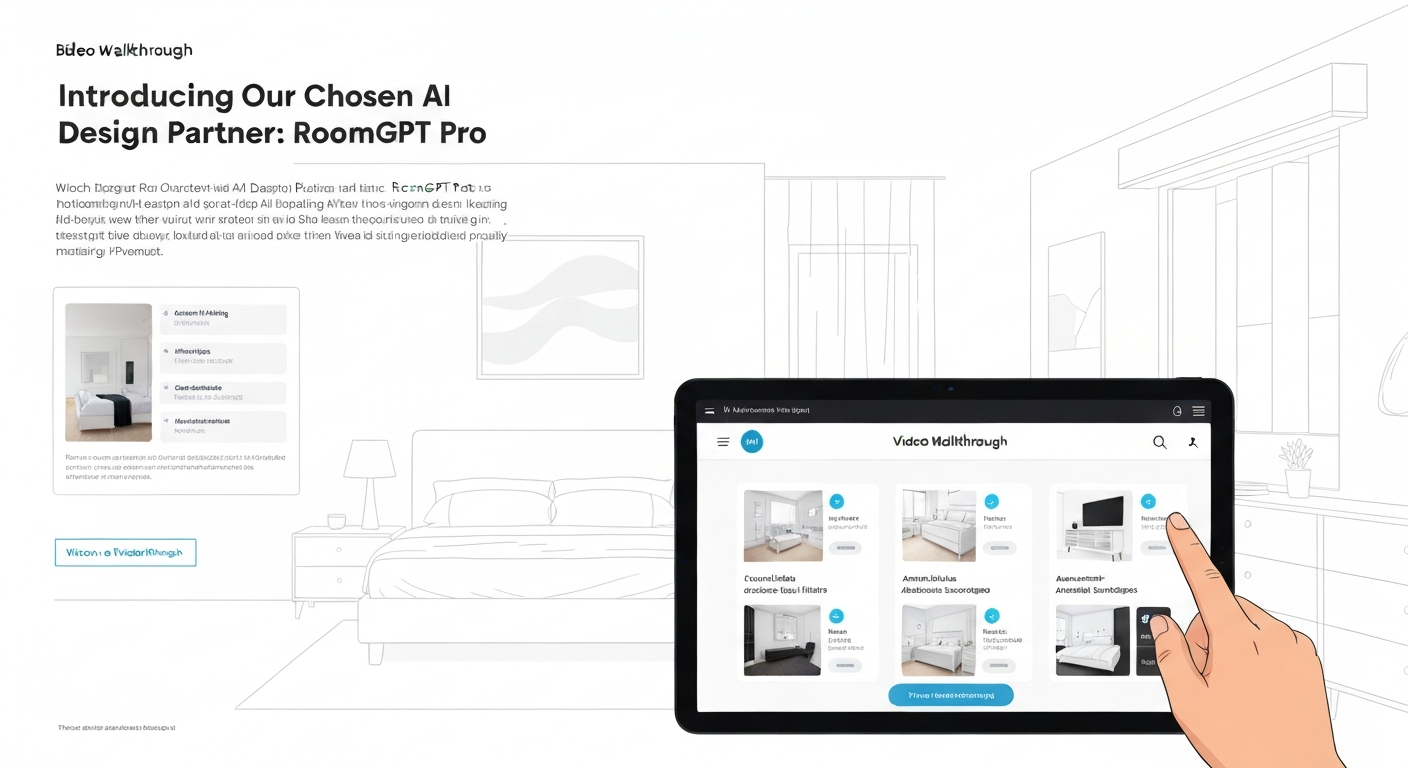
For our live AI bedroom design ideas video walkthrough, we selected RoomGPT Pro, a user-friendly AI tool. It stands out for its intuitive interface and ability to generate realistic bedroom designs from simple photo uploads and text prompts, making it ideal for a practical demonstration.
Why We Chose RoomGPT Pro
- Straightforward Uploads: Users can quickly digitize their existing bedroom space by uploading a single photo, like a snapshot of a master bedroom in a Toronto semi-detached home.
- Precise Prompt Control: Robust prompt engineering allows specific design styles, colour palettes (e.g., "muted greens and warm greys"), and furniture preferences (e.g., "mid-century modern dresser, queen bed with storage") for tailored outcomes.
- Varied Concepts: The tool excels at generating multiple distinct design concepts, helping explore various aesthetic directions, from minimalist to bohemian.
- Accessible Free Tier: RoomGPT Pro offers a free tier for initial concept generation, making it accessible for anyone to start their virtual bedroom design journey without immediate commitment.
- Excellent Visualization: Generates high-quality, realistic renders that help users visualize changes, addressing the pain point that roughly 60% of homeowners find visualizing design changes challenging before a redecoration.
Considerations
- Subscription for Advanced Features: While initial concepts are free, accessing advanced features like unlimited renders or high-resolution outputs often requires a paid subscription.
- Learning Curve for Refinement: Achieving highly specific or nuanced design adjustments may still require some trial-and-error with prompts, similar to learning any new software.
- General Shoppable Suggestions: While it provides shoppable lists, these are often general suggestions (e.g., "modern bed frame") rather than direct links to specific Canadian retailers or products.
- Internet Dependency: Like most cloud-based AI tools, a stable internet connection is essential for uploading photos, generating designs, and accessing features.
RoomGPT Pro's balance of ease-of-use and powerful visualization capabilities makes it an excellent choice for demonstrating how
Step-by-Step Video Walkthrough: Designing Your Bedroom with AI (Live Demo)
Watching an AI tool transform a real bedroom helps bridge the gap between abstract concepts and practical results. Many homeowners, roughly 60% according to industry surveys, struggle to visualize design changes before a project begins. Our AI bedroom design ideas video walkthrough tackles this head-on, showing the exact steps to redesign a cluttered guest room in a 1980s semi-detached home in Burnaby, BC.
Room Prep & Photo Upload
First, we clear the room of personal items and capture well-lit, straight-on photos of each wall. This provides the AI with a clean canvas. We then upload these images to RoomGPT Pro. For best results, use natural light and avoid wide-angle lenses that distort proportions.
Prompt Engineering for Dream Designs
This is where we tell the AI our vision. For the guest room, we tried prompts like "cozy minimalist with light wood and soft textures" and "Scandinavian hygge with reading nook." Crafting specific details, like "add a large plant in the corner," guides the AI more effectively than vague terms.
"The prompt is your paintbrush. The more detailed you are, the closer the AI gets to your vision." — DIY design enthusiast, Calgary
Generating & Refining Concepts
RoomGPT Pro quickly generates several design options. We review them, looking for scale issues—a common 'gotcha' where a rug might appear too small or a bed too large. We then refine by adjusting prompts, for example, changing "large area rug" to "8x10 jute rug" to get more realistic results.
AI Bedroom Design Ideas for Every Style: Modern, Boho, Minimalist & More
AI Bedroom Design Ideas for Every Style: Modern, Boho, Minimalist & More
Many homeowners struggle to picture how different styles will look in their space before committing to purchases; industry surveys suggest about 60% find this visualization challenging. This is where AI tools shine, moving beyond generic mood boards to generate specific AI bedroom design ideas video walkthrough concepts tailored to your aesthetic preferences and room dimensions. Instead of guessing if a minimalist look suits your downtown Toronto condo or if a bohemian vibe works in your Halifax semi-detached, AI renders these visions directly into your room's photo.
Consider a small bedroom in a Vancouver apartment. While you might gravitate towards a sleek modern aesthetic, AI can present multiple options: a minimalist design maximizing vertical space with a wall-mounted desk, or a cozy boho retreat using light colours and layered textures to make the room feel larger. For a master suite in Calgary, AI can explore luxurious designs with grand layouts and elegant finishes, or a serene, Scandinavian-inspired space focused on natural light and uncluttered surfaces. This practical application helps translate abstract design concepts into tangible, personalizable options.
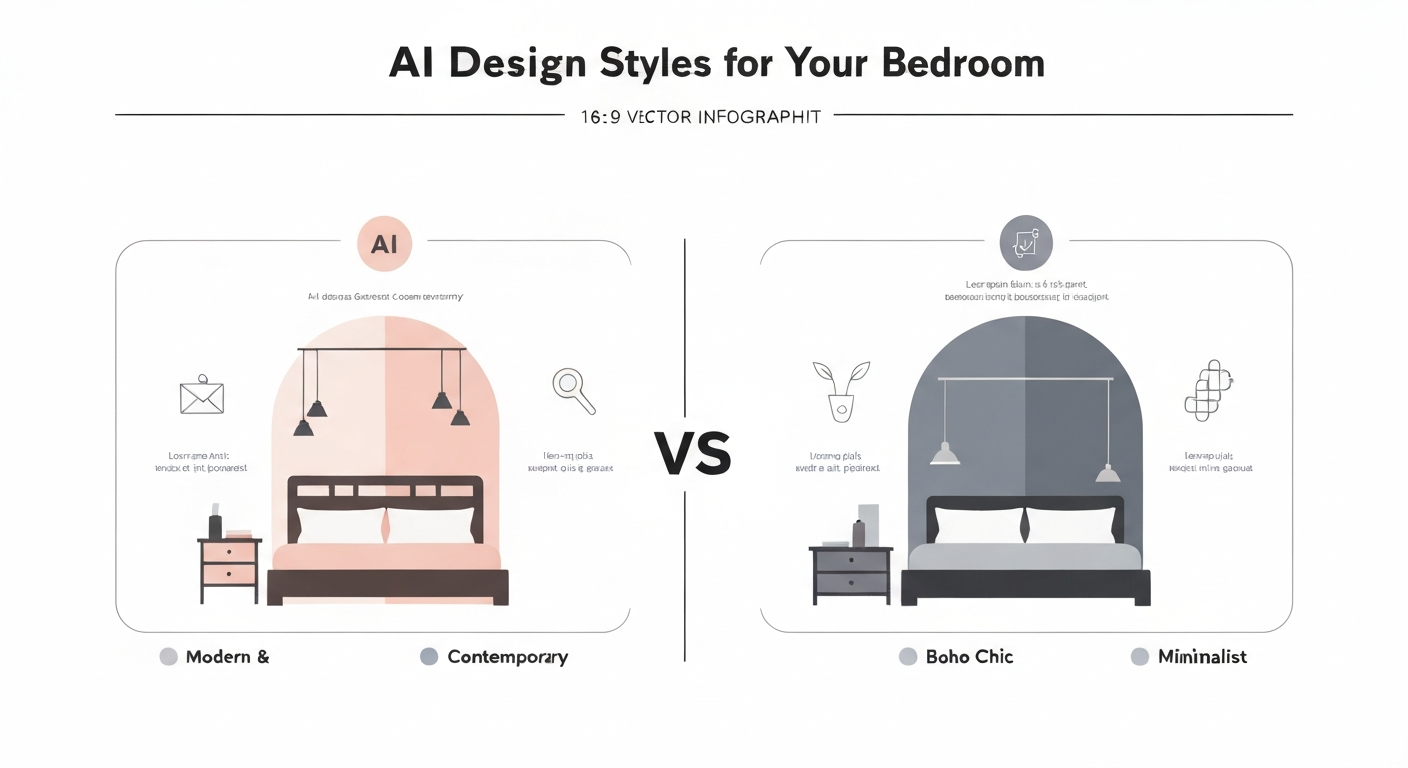
The ability of AI to adapt suggestions for diverse room types—from a child's bedroom in an Ottawa suburban home requiring playful yet functional layouts, to a guest room needing versatile, space-saving solutions—demonstrates its true utility. It helps homeowners in Canada visualize practical solutions before spending money, potentially reducing initial planning time by up to 50%, according to user studies from 2023.
Troubleshooting & Pro Tips: Overcoming Common AI Design Challenges
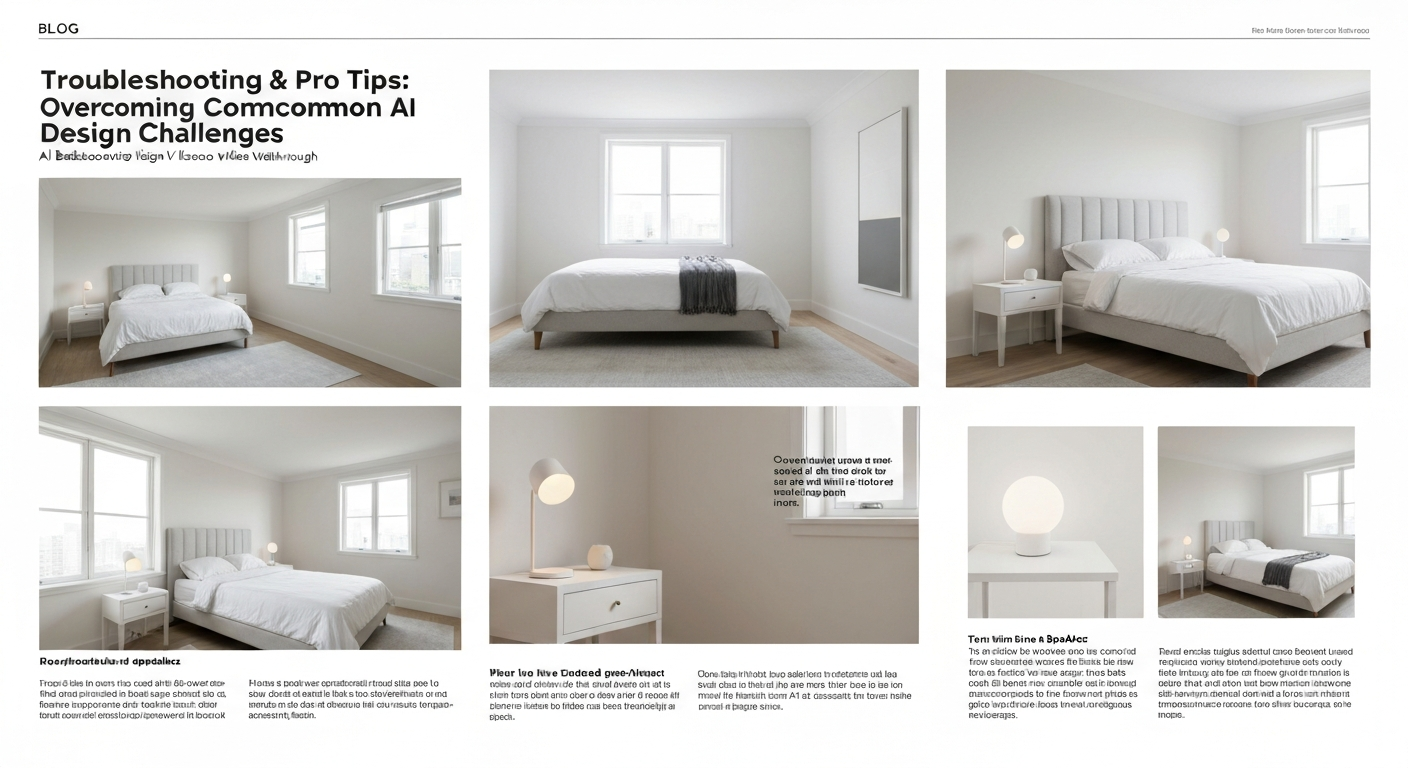
Even the most intuitive AI design tools can throw a curveball. A senior kindergarten teacher in Halifax using an AI bedroom design tool might find the generated "walnut" floor looks more like plastic laminate, or that the suggested king-sized bed won't clear the closet door in their 10x12 foot room. Understanding these common snags helps you steer the AI toward truly practical outcomes.
Pro Tips for AI Design
- Iterative Prompting: Don't settle. Refine your text prompts ("add more natural light," "try a minimalist Scandinavian style") and generate multiple variations. Many users find their ideal vision emerges after 3-5 iterations.
- Integrate Existing Pieces: Snap photos of furniture you love and want to keep, then include them in your initial upload. This ensures the AI designs complement your current dresser or heirloom armchair.
- Budget-Savvy Sourcing: Use the AI's shoppable lists as a starting point. Then, search for similar, more affordable items from Canadian retailers like Structube or EQ3. Industry analysis suggests this approach can save 15-20% on initial design costs.
- Real-World Material Check: AI might suggest exotic materials. Use its ideas as inspiration, then manually adjust to find real-world equivalents that fit your budget and durability needs for a Canadian climate.
Common AI Design Challenges
- Unrealistic Materials: An AI might render a luxurious marble floor that's outside your budget or impractical for a bedroom. The visual can be inspiring, but the material choice needs human vetting.
- Scale & Layout Discrepancies: The AI doesn't always know your room's exact dimensions. Always cross-reference AI-generated furniture layouts with a measuring tape to ensure a new queen bed actually fits.
- Generic Suggestions: Without specific prompts, AI can produce bland, uninspired designs. A lack of unique details is a common complaint among new users.
- Overlooking Constraints: The AI won't know about the radiator under your window or the sloped ceiling in an attic bedroom unless you specifically tell it. These
From AI Vision to Reality: How to Implement Your New Bedroom Design
Seeing your AI bedroom design ideas video walkthrough come to life is exciting, but the real work begins when you translate those pixels into paint and furniture. The jump from a gorgeous AI render to a functional, beautiful room requires a practical plan.
Translating AI Vision to Your Bedroom
Sourcing DecorUse your AI tool's shoppable lists, if available. For other items, take a screenshot of the AI-generated piece and use visual search engines like Google Lens or Pinterest's visual search to find similar products from Canadian retailers. This helps you match the aesthetic without breaking the bank.
Budgeting SmartCreate a detailed spreadsheet. Prioritize key pieces like a new bed frame or dresser. AI can suggest cost-effective alternatives if you prompt it for "budget-friendly modern bedroom design," helping you save an average of 15-20% on initial design concepts compared to traditional designers, according to 2023 cost analyses.
DIY vs. Pro HelpConsider tackling painting or furniture assembly yourself. For more complex tasks, like installing built-in shelving or intricate lighting, consult local professionals in cities like Vancouver or Montreal. A senior kindergarten teacher in Halifax might easily paint, but hire for electrical work.
Phased ApproachDon't try to do everything at once. Start with major furniture pieces, then move to textiles (curtains, rugs), and finally, decorative accessories. This breaks the project into manageable stages, preventing overwhelm.
Scale & Realism ChecksWhile AI offers great visuals, always double-check measurements. An AI-generated nightstand might look perfect, but could be too wide for your small Toronto condo bedroom. Use painter's tape on the floor to visualize furniture footprints.
Remember that over 70% of consumers are more likely to purchase furniture or decor if they can visualize
Beyond the Basics: Advanced AI Features for a Truly Unique Bedroom Makeover
Beyond the Basics: Advanced AI Features for a Truly Unique Bedroom Makeover
Once you've seen the fundamentals of AI bedroom design ideas video walkthroughs, it's time to push the boundaries. While basic AI tools deliver initial concepts, advanced features let you refine those ideas into something truly personalized. For instance, visualizing how a new duvet cover from The Bay will look next to a reclaimed wood feature wall can be tough from a static image. Advanced AI tools tackle this by letting you "step inside" your design. Many AI platforms now offer 3D room planning and virtual walkthroughs. This means you aren't just seeing flat pictures; you're moving through your redesigned bedroom, checking sightlines from the bed, or seeing how a new reading nook fits near the window in a typical Toronto semi-detached home. This immersive experience helps overcome the challenge that roughly 60% of homeowners face when trying to visualize design changes before a renovation, according to industry surveys from 2022. You can swap out a laminate floor for a plush broadloom, or test how a deep emerald accent wall changes the feel compared to a soft sage green."Being able to 'walk through' my new bedroom design before buying anything saved me from making a few expensive mistakes. The virtual lighting changes alone were worth it." — DIY renovator, Vancouver Island
You can also simulate lighting, adjusting for natural light from a south-facing window or experimenting with smart dimmer settings for evening ambiance. AI-powered colour palettes ensure your chosen shades, like Benjamin Moore's "Cloud White" and "Hale Navy," harmonize perfectly. Some tools even integrate smart home features, allowing you to plan for voice-controlled blinds or intelligent climate control, making your bedroom future-ready. These advanced capabilities move AI design from a novelty to an indispensable planning tool, helping you bridge the gap between a digital vision and the physical realityFAQs: Your Top Questions About AI Bedroom Design Answered
Many homeowners wonder if AI bedroom design is truly practical for their space, or if it's just another tech trend. The good news is, AI tools are more accessible and effective than ever, addressing common concerns about cost, realism, and ease of use. A junior designer in Vancouver might spend hours on initial concepts, but AI can cut that time significantly, letting you focus on refining the details.
One common misconception is that AI design is expensive. In reality, using AI tools can reduce initial design costs by an average of 15-20% compared to traditional designers, according to 2023 cost analysis reports. This makes exploring new layouts for a guest room in an older Toronto semi-detached house, or a small condo bedroom in Calgary, much more budget-friendly. You don't need design experience either; tools like RoomGPT Pro are built for intuitive use, guiding you step-by-step.
The realism of AI-generated designs often surprises people. With good quality photos of your current bedroom and clear prompts, these tools can create highly accurate visuals. You can even integrate existing furniture – upload a photo of your favourite armchair, and the AI will work it into new design concepts, ensuring your new space feels both fresh and familiar. This practical integration helps bridge the gap between AI vision and your actual living space.
Ready to see these concepts in action? Our AI bedroom design ideas video walkthrough provides a live demonstration, showing exactly how to get started and overcome potential hurdles as you transform your space.
Frequently Asked Questions
What kind of bedroom design ideas can AI generate?
AI can generate a wide range of bedroom design ideas, from modern minimalist to cozy farmhouse or vibrant bohemian styles. It considers elements like colour palettes, furniture layouts, and lighting schemes. For a Toronto condo, it might suggest space-saving built-ins, while for a heritage home in Victoria, it could offer classic, elegant decor. Tools like iDecorAI can even incorporate specific textures, like reclaimed wood or plush fabrics, to create a cohesive vision tailored to your preferences and room dimensions.
How do I get started with AI bedroom design using a video guide?
A video guide typically walks you through the initial steps: taking clear photos or videos of your current bedroom, measuring key dimensions like wall length and window placement, and inputting your style preferences. It often demonstrates how to use an AI tool, like iDecorAI, to upload these details. You'll learn to specify desired colours, materials, and functional needs, such as a home office nook in a small Vancouver apartment, to guide the AI in generating relevant design concepts.
Why should I watch an AI bedroom design video walkthrough?
Watching a video walkthrough demystifies the AI design process, showing you exactly how to use the tools effectively. You'll see real-time examples of inputting preferences and instantly visualizing different layouts or colour schemes. This helps you avoid common pitfalls, like misjudging furniture scale for a compact Calgary townhouse, and ensures you understand how to refine AI-generated ideas. It's like having a design expert demonstrate the software, making the process smoother and more accessible for your specific home project.
Is AI bedroom design suitable for small spaces?
Absolutely, AI bedroom design is particularly effective for small spaces, like a compact Toronto condo or a basement apartment in Halifax. It excels at optimizing layouts to maximize every square foot. AI tools can suggest clever storage solutions, such as integrated shelving or custom built-ins, and recommend multi-functional furniture like Murphy beds or ottomans with hidden storage. This helps visualize how to create a functional, stylish, and uncluttered bedroom, even when space is at a premium, making small rooms feel larger and more inviting.
Can AI tools help me choose furniture for my bedroom?
Yes, AI tools significantly assist with furniture selection. After generating a design concept, the AI can suggest specific types of furniture – from bed frames and nightstands to dressers and accent chairs – that fit the chosen style and room dimensions. Many platforms allow you to visualize these pieces within your bedroom's 3D rendering, helping you assess scale and aesthetic. Some tools even provide links to similar items from retailers, making it easier to find a mid-century modern dresser for your Ottawa semi-detached or a plush headboard for your Vancouver townhouse.
Frequently Asked Questions
What kind of bedroom design ideas can AI generate?
How do I get started with AI bedroom design using a video guide?
Why should I watch an AI bedroom design video walkthrough?
Is AI bedroom design suitable for small spaces?
Can AI tools help me choose furniture for my bedroom?
Keep reading
All articles →
Visualize Your Dream Home: Zillow AI's Reality Check & How to Master It
Zillow's new AI tool goes beyond staging, democratizing the 'designer's eye' for house hunters. It allows you to test personal style against a property's bones, fundamentally shifting how you visualize your dream home.

Real-World Test: We Tried 13 AI Interior Design Tools So You Don't Have To (Here Are Our Top 3 Picks!)
The sheer volume of new AI interior design tools often complicates the design process for homeowners. Our Real-World Test of 13 platforms reveals which truly deliver actionable, budget-friendly plans.

Dream Home on a Budget & Timeline: AI for Faster, Affordable Redesigns
While many assume a personalized dream home requires a hefty budget, AI tools are fundamentally shifting this reality, acting as a personal project manager for your entire redesign. They provide a step-by-step blueprint that optimizes every phase, making your dream home a tangible goal.