

AI Powered Color Palette Generator Home: Your Style, No Clashes
An AI powered color palette generator for home design democratizes advanced principles, helping homeowners avoid analysis paralysis. These tools analyze inputs like photos or text to propose cohesive schemes, preventing clashing colors.
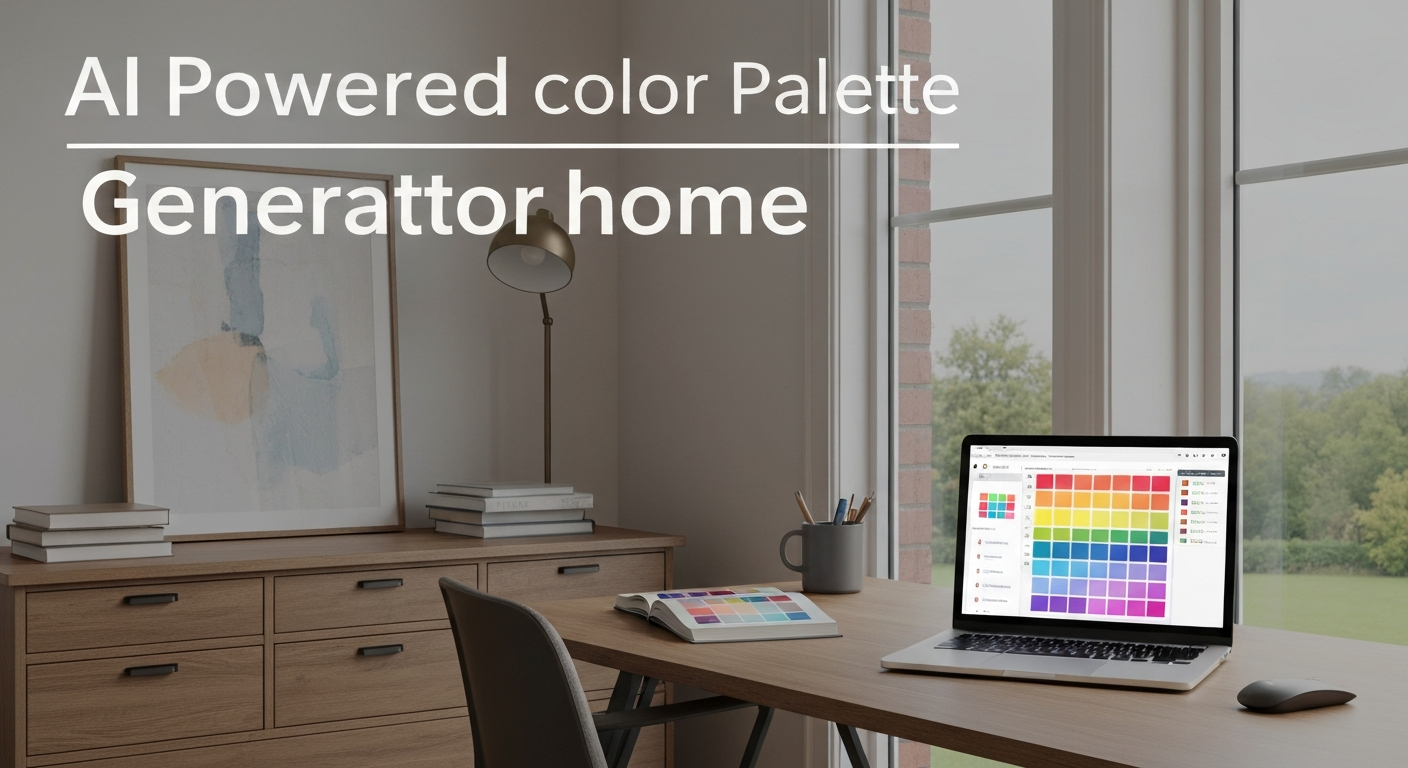
What is an AI Powered Color Palette Generator for Home Design?
An AI powered color palette generator for home design isn't just about suggesting pretty colours; its real impact lies in democratizing advanced design principles, effectively sidestepping the "analysis paralysis" that plagues many Canadian homeowners when facing overwhelming paint chip choices. These tools, like iDecorAI, analyze inputs such as uploaded photos of your living room or text descriptions of a desired mood, then propose cohesive schemes. This approach moves beyond simple colour matching, addressing the common fear of selecting hues that clash with existing furniture or natural light.
By processing vast datasets of interior design trends, colour psychology, and even specific light conditions, these generators offer far more nuanced recommendations than a basic colour wheel. For instance, an AI might suggest a muted blue-grey for a north-facing Vancouver condo bedroom, knowing cooler light can enhance warmth, rather than just picking a 'calming' blue. Industry data projects the global AI in interior design market to grow by over 25% annually from 2023 to 2030, reflecting increasing homeowner trust in these sophisticated virtual assistants.
Beyond Basic Hues: How AI Solves Your Toughest Home Color Dilemmas
Homeowners often dread choosing paint colours, fearing a clash with existing furniture or struggling to translate a feeling like 'urban chic' into a tangible palette. An AI powered color palette generator home tool tackles these dilemmas head-on.Why AI Helps
- Avoid Clashes: Upload a photo of your existing oak flooring; AI suggests complementary colours, preventing costly mistakes.
- Translate Ideas: Transform "Scandinavian hygge" into a practical palette of soft whites and warm greys for your Toronto semi-detached.
- Visualize Before Committing: Tools let you virtually "paint" your room, saving potential repainting costs averaging $1,500 to $4,000 per room.
- Personalized Style: AI crafts unique palettes reflecting your taste, aligning with the 70% of homeowners who prioritize personalization (a 2022 survey).
AI's Limitations
- Subtlety Missing: AI might miss nuanced light changes throughout the day in a north-facing living room.
- Input Quality: Poor photos of existing decor lead to less accurate suggestions.
- Overwhelm: Some generators still present too many options, requiring human curation.
- Emotional Connection: AI doesn't understand sentimental value, which can influence a human designer's choice.
"I used to spend weeks agonizing over swatches. Now, AI gives me a solid starting point, taking away that initial panic." — homeowner, CalgaryAI offers powerful assistance in navigating colour choices, acting as a guide, not a dictator. It provides a solid foundation, freeing you to focus on personal touches for your space.
Step-by-Step: Generating Your First Personalized Home Color Palette with AI
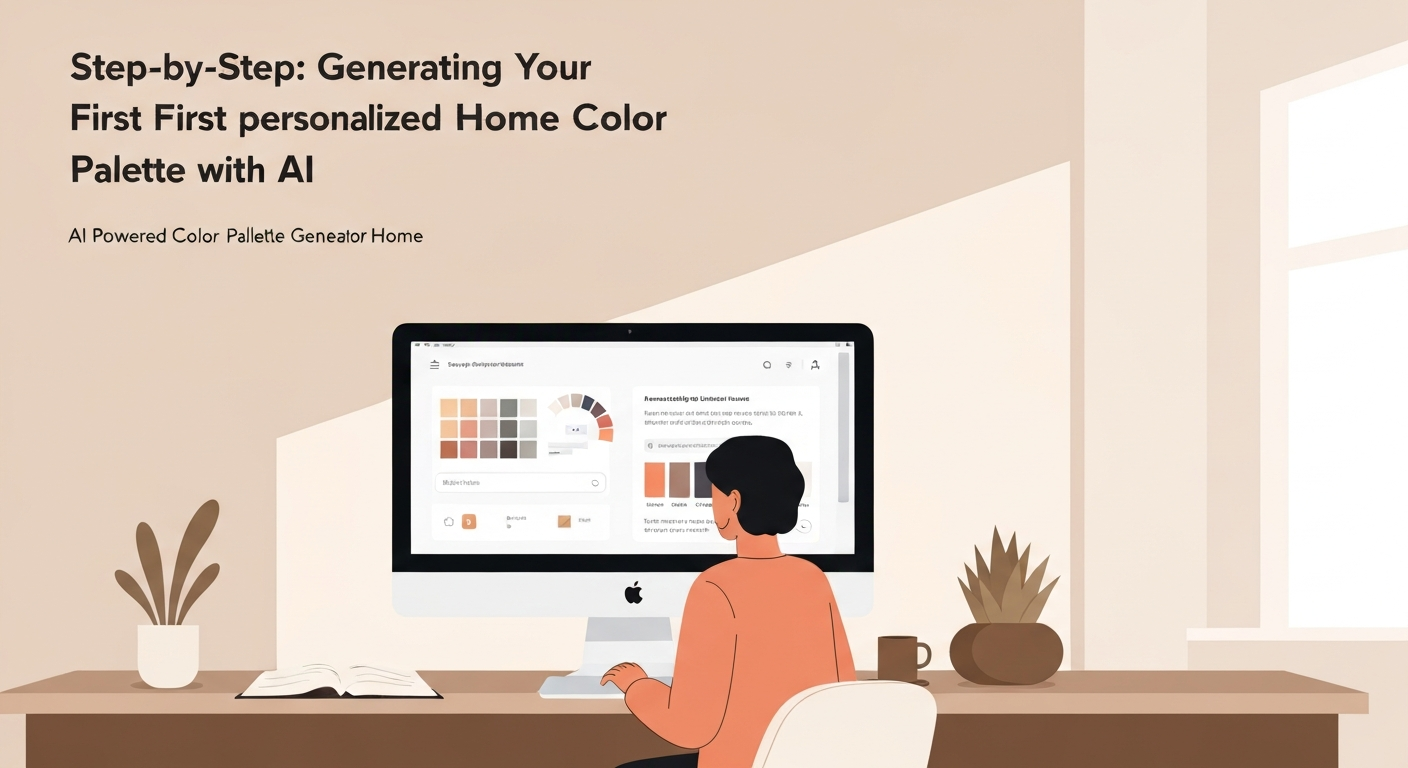
Generating a personalized home colour palette with AI is a straightforward process, simplifying choices for any homeowner.
Choose Your Starting Point
Begin with an image (a Lake Louise photo, favourite artwork) or a specific colour like Sherwin-Williams' "Sea Salt." You can also describe a mood, such as 'a cozy living room'.
Input Existing Elements
Upload photos of current furniture or fixed finishes, like a concrete fireplace in a Calgary townhouse. This helps the AI powered color palette generator home tool like iDecorAI suggest complementary colours, preventing clashes.
Define Room & Style
Specify the room (e.g., primary bedroom) and your preferred aesthetic (e.g., minimalist, bohemian). This context guides the AI's suggestions.
Generate & Review
The AI presents several palette options: primary, secondary, and accent colours.
"The AI gives you great ideas, but always trust your instincts for that final personal touch." — Home Staging Professional, Montreal
Iterate & Refine
Don't settle immediately. Adjust inputs or parameters to see new palettes, combining AI suggestions with your intuition.
This guided process makes AI colour selection accessible, moving you towards a harmonious home design.
Mastering the Art of Refinement: Customizing AI Palettes for Your Unique Style & Space
An AI powered color palette generator home provides an excellent starting point, but true personalization comes from refining its suggestions. Your unique space, from its natural light to existing decor, demands a human touch for the final harmonious polish.
"My AI palette looked great online, but the 'greige' paint turned icy blue in my north-facing living room. Always test physical swatches!" — homeowner, Calgary
Quick Reference: Refining Your AI Palette
Colours have warm (yellow/red) or cool (blue/green) undertones. Ensure AI choices harmonize with existing finishes and natural light, which shifts throughout the day in a Toronto condo.
Digital previews mislead. Always test large physical paint swatches on walls for days. Observe under varying light before committing to repaint.
Apply 60% dominant (walls), 30% secondary (furniture), 10% accent (decor). This creates visual balance for any room.
Swap one AI-suggested colour for a personal favourite. If it maintains harmony, this unique choice reflects your style.
These techniques transform AI suggestions into your personalized design. Your home will feel authentically yours, free from clashing colours.
Real-World Inspiration: AI-Generated Palettes for Every Room and Aesthetic
AI color tools translate abstract theories into tangible palettes for specific spaces, from a downtown condo's living room to a rural farmhouse kitchen. For a modern living room in a Toronto high-rise, an AI powered color palette generator home might suggest cool greys, crisp whites, and a deep teal accent. This minimalist scheme creates visual calm, ideal for urban footprints.
For a warm farmhouse kitchen, AI suggests soft off-whites on cabinets paired with gentle sage greens for an accent wall. Natural wood tones from pine beams complete this inviting atmosphere in an Ottawa Valley home.
"Choosing the right blue for my son's room felt impossible until the AI suggested a muted tone that actually worked with his existing oak furniture." — parent, Calgary
A tranquil bedroom is a top priority. AI tools recommend calming blues, muted lavenders, and soft greens. A primary bedroom in a Halifax bungalow could feature light periwinkle walls, promoting relaxation. For a home office, AI balances stimulating colours like terracotta with grounding neutrals. Imagine a Vancouver townhouse office with a terracotta feature wall, offset by warm beige. This energizes without overwhelming, fostering productivity. These examples highlight how AI provides a solid starting point for visualizing possibilities.
Considering the Unseen: Light, Mood, and Existing Decor in Your AI Color Choices
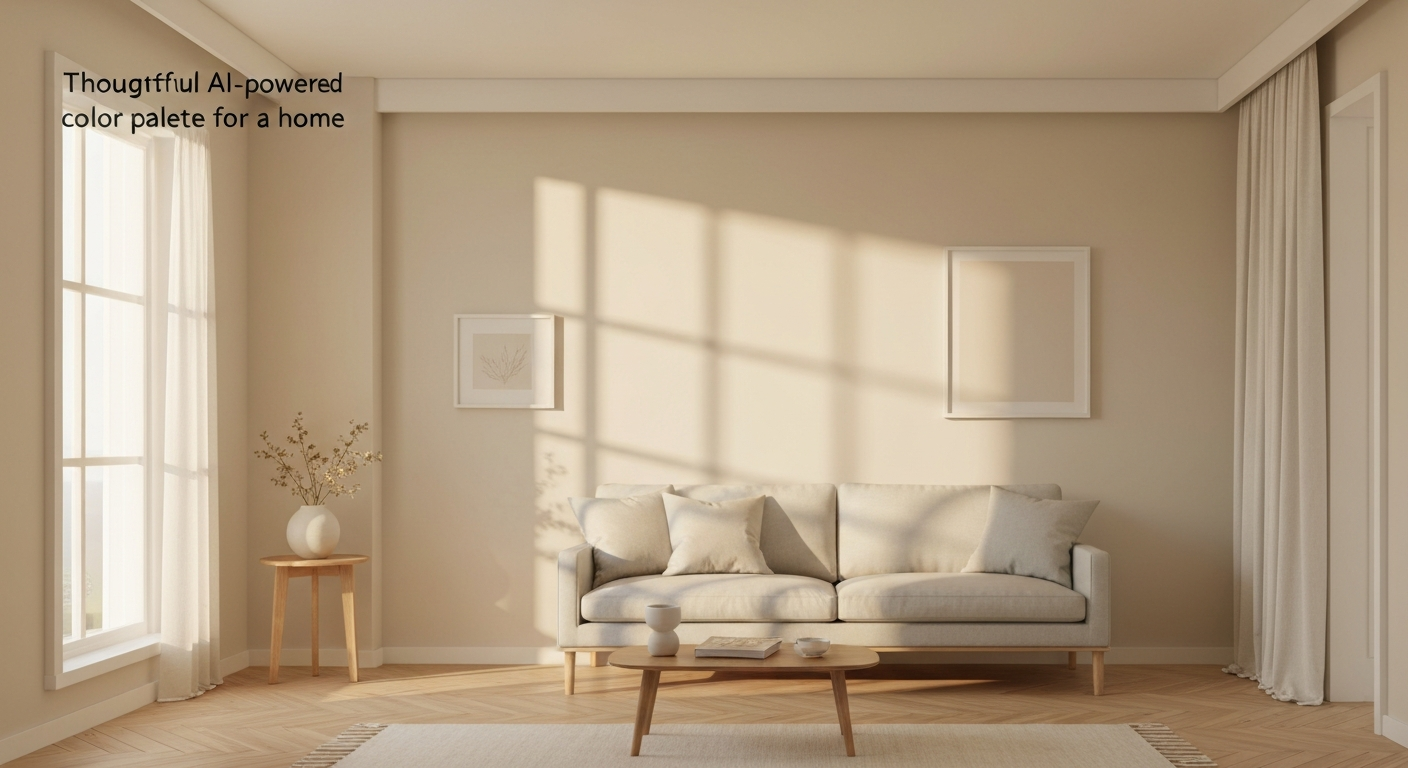
"I once picked a beautiful sage green for my bedroom, but with the north-facing window, it always felt dull and cold. I wish I'd understood how much light direction matters before painting." — Homeowner, HalifaxConsidering these 'unseen' factors transforms an AI's suggestions into personalized solutions. Natural light profoundly shifts how colours appear; south-facing light warms hues, while north-facing light often cools them, making a vibrant colour look subdued.
Free vs. Premium: Choosing the Right AI Color Tool for Your Home Project
Choosing the right AI powered color palette generator home tool depends on your project's ambition and budget. For a simple accent wall in a Montreal apartment or new curtain colours, a free tool might suffice. However, for a multi-room redesign or a full basement finishing project in Edmonton, premium features quickly become invaluable.
| Feature/Aspect | Free Tools (e.g., Coolors, Adobe Color) | Premium Tools (e.g., iDecorAI, Roomstyler Pro) |
|---|---|---|
| Cost | Free, often ad-supported | Subscription (monthly/annual) or one-time project fees |
| Customization | Basic hue/saturation, limited palette variations, image upload | Advanced controls, mood filters, style guides, robust image analysis |
| Visualization | Flat swatches, simple 2D room mockups | Realistic 3D room rendering, virtual furniture, lighting simulations |
| Paint Brand Integration | Generic colour codes (RGB/HEX) only | Direct integration with major Canadian paint brands (e.g., Benjamin Moore, Behr), accurate matching |
Many premium options, including some versions of iDecorAI, offer free trials. This lets you test advanced features like realistic 3D room visualization and direct paint brand matching before committing. Explore complex palettes for your entire home, from your kitchen in Halifax to your primary bedroom in Victoria, without immediate financial pressure.
Common Pitfalls to Avoid When Using AI for Home Color Selection
AI powered color palette generator home tools require thoughtful input and human oversight. Over-reliance on digital screens is a common misstep; a deep navy rich on screen might appear almost black in a north-facing Toronto condo living room. Get physical paint swatches and observe them throughout the day.
Failing to provide accurate details about your existing space is another pitfall. If your AI tool doesn't know about your olive green sofa or maple hardwood floors in a Halifax semi-detached, it can generate clashing palettes. Inputting these fixed finishes is critical for harmony.
"AI gives us fantastic starting points, but my best designs always come from tweaking those suggestions to fit my clients' unique stories." — Interior Designer, Vancouver
AI offers excellent foundations, but personalization is key. A 2022 survey found 70% of homeowners prioritize unique design elements. Shift a suggested pale grey to a warmer greige if it feels more 'you'. Finally, consider room function: a vibrant palette for a Calgary family room might feel too stimulating for a serene bedroom. Evaluate AI suggestions against the room's mood and purpose.
Frequently Asked Questions
What are the advantages of using an AI color palette generator for home decor?
AI color palette generators quickly suggest cohesive schemes, saving hours of manual colour matching. They help homeowners visualize options without buying dozens of paint samples or fabric swatches. For instance, an AI tool can instantly generate palettes suitable for a modern condo in Vancouver, considering current trends and your personal style. This reduces decision fatigue and helps you confidently choose colours that flow well throughout your space, from the living room to the kitchen.
How do I generate a personalized home color scheme with AI?
To personalize a scheme, you typically upload photos of your room or existing furniture, like a favourite rug from EQ3 or a sofa from Structube. You might also input preferred styles (e.g., "mid-century modern") or colours you already like. The AI then analyzes these inputs, suggesting palettes that complement your existing pieces and reflect your aesthetic. Tools like iDecorAI can even consider the natural light in a Victorian row house in Montreal, ensuring the colours look right at different times of day.
Can AI color tools account for existing furniture and room lighting?
Yes, advanced AI color tools often can. By uploading photos of your room, including existing pieces like a dark walnut dining table from Leon's or a vintage armchair, the AI analyzes their colours and textures. Some tools also simulate how natural light, especially in a north-facing living room in a Toronto bungalow, affects paint colours throughout the day. This helps ensure the suggested palette harmonizes with what you already own and adapts to the room's specific lighting conditions, preventing costly mistakes.
Is it worth paying for a premium AI home color design app?
For significant projects, like a major renovation or decorating a complex open-concept layout in a new build in Ottawa, a premium app can be worthwhile. Paid versions often offer more sophisticated algorithms, higher-resolution visualizations, and a broader range of paint brands or material swatches. They might also provide advanced features like 3D room rendering or expert design feedback. This investment can save time, reduce material waste from wrong choices, and lead to a more polished, professional-looking result than free alternatives.
Why should I consider an AI tool for choosing paint colors for my house?
AI tools offer a low-stress way to explore countless colour combinations for your detached home in Edmonton. They provide objective suggestions based on your inputs, helping you visualize how different shades will appear before committing to paint. This can prevent common pitfalls, like choosing a cool grey that looks blue in a west-facing room or clashing with existing flooring. Ultimately, AI boosts your confidence in making colour decisions, ensuring your chosen palette creates the desired mood and flow throughout your living space.
Frequently Asked Questions
What are the advantages of using an AI color palette generator for home decor?
How do I generate a personalized home color scheme with AI?
Can AI color tools account for existing furniture and room lighting?
Is it worth paying for a premium AI home color design app?
Why should I consider an AI tool for choosing paint colors for my house?
Keep reading
All articles →
Visualize Your Dream Home: Zillow AI's Reality Check & How to Master It
Zillow's new AI tool goes beyond staging, democratizing the 'designer's eye' for house hunters. It allows you to test personal style against a property's bones, fundamentally shifting how you visualize your dream home.

Real-World Test: We Tried 13 AI Interior Design Tools So You Don't Have To (Here Are Our Top 3 Picks!)
The sheer volume of new AI interior design tools often complicates the design process for homeowners. Our Real-World Test of 13 platforms reveals which truly deliver actionable, budget-friendly plans.

Dream Home on a Budget & Timeline: AI for Faster, Affordable Redesigns
While many assume a personalized dream home requires a hefty budget, AI tools are fundamentally shifting this reality, acting as a personal project manager for your entire redesign. They provide a step-by-step blueprint that optimizes every phase, making your dream home a tangible goal.