

AI Visualization Playbook: How AI Helps Visualize Room Changes Before You Buy
Redesigning a room often brings the fear that new ideas won't translate well into your actual space. Many homeowners struggle to visualize changes, leading to delays or expensive regrets.

Why is Visualizing Room Changes Crucial Before You Spend?
Why Visualize Room Changes Before You Spend?
While AI often gets credit for making complex tasks simple, its true value in home design reveals a surprising human limitation: our poor spatial imagination. We struggle to truly envision how a new piece of furniture, a different paint colour, or a new layout will look and feel in *our* specific room. This is precisely how AI helps visualize room changes, providing realistic digital mock-ups directly within a photo of your existing space. It's a critical tool when you consider that a 2022 Houzz study found about 70% of homeowners regret at least one design decision after a renovation. This difficulty in imagining new elements, like a deep emerald green on your dining room wall or a larger sectional in your Toronto townhouse, often leads to expensive mistakes. The fear of choosing the wrong item or committing to a layout that doesn't work is a significant source of renovation anxiety. AI pre-visualization combats this by offering a risk-free "try-before-you-buy" experience. In fact, industry reports, like a 2023 Statista survey, indicate that over 60% of consumers prefer to visualize products in their space before making a purchase. Ultimately, seeing is believing, and for major home decisions, seeing it *before* you spend saves both money and stress. This critical step reduces the emotional and financial cost of poor planning, setting the stage for confident design choices as you explore the tools available.How AI Helps Visualize Room Changes: Your New Design Playbook
The true challenge in redesigning a room isn't a lack of ideas, but the paralyzing fear that your chosen ideas won't translate well into your actual space. Homeowners often struggle to imagine how a new emerald green sofa will look nestled in their specific Montreal living room, or if a bold accent wall colour will truly complement their kitchen cabinets. This uncertainty often leads to delaying projects or, worse, regretting expensive purchases, a situation 70% of homeowners experience after a renovation, according to Houzz 2022 data.
This is precisely how AI helps visualize room changes, bridging that gap between abstract vision and concrete reality. Instead of endless trips to the furniture store or staring at paint swatches, tools like iDecorAI allow you to experiment virtually with countless options. Research published in Forbes in 2023 indicates that AI in home design can reduce planning time by up to 40%, making room refreshes faster and less daunting.
"We used to spend hours mocking up client ideas in Photoshop. Now, tools like iDecorAI let clients visualize options themselves, which cuts down revisions significantly." — Interior Designer, Vancouver
This shift means you can truly "try before you buy," seeing that new layout or accent wall on your screen before moving a single piece of furniture. Understanding these core benefits sets the stage for exploring the specific AI features that make this visualization possible.
Key AI Features for Visualizing Room Layouts, Colors, and Furniture
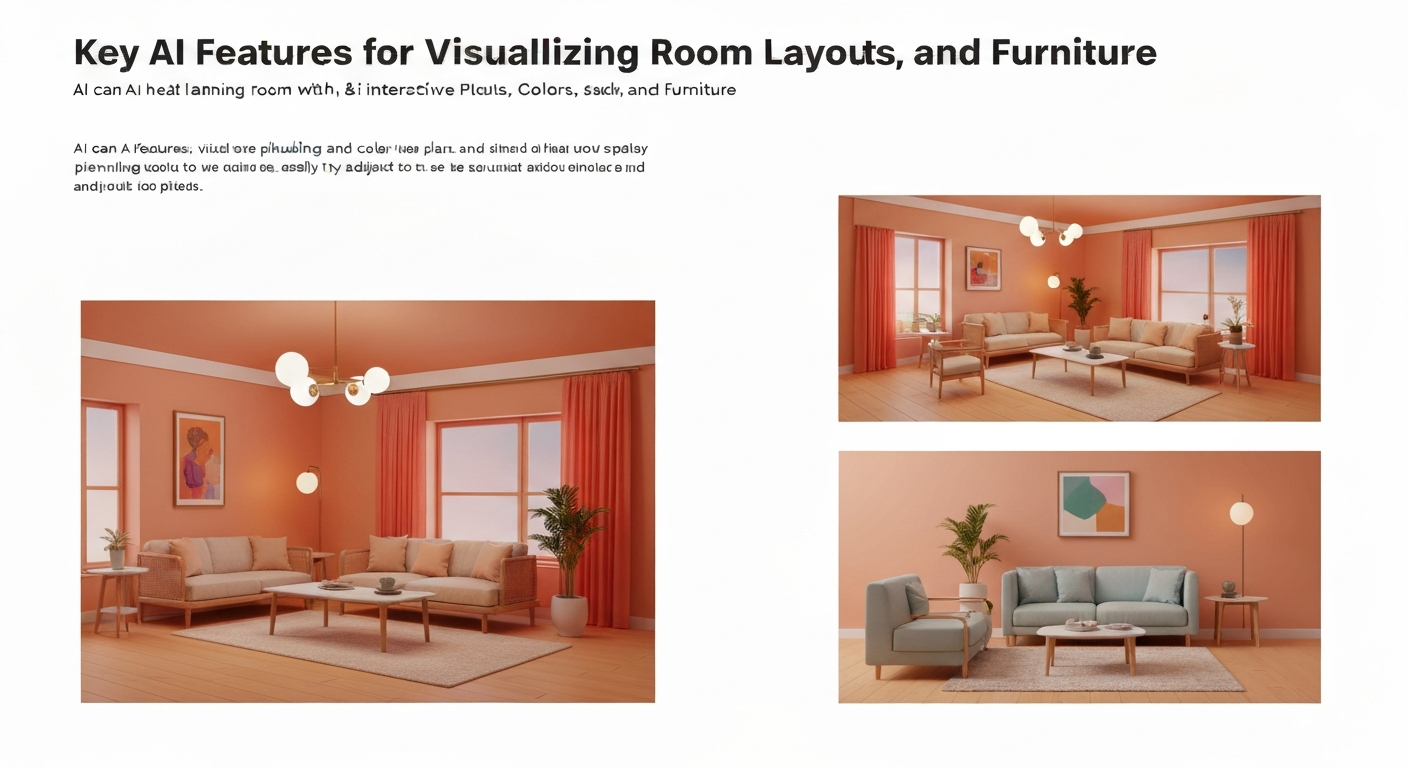
AI tools streamline the often-frustrating process of imagining new interiors, offering specific features that directly address common design dilemmas. These capabilities demonstrate how AI helps visualize room changes, reducing the uncertainty many homeowners face before committing to purchases.
AI features directly address common design anxieties, making it simpler to test ideas and avoid costly mistakes. Industry reports suggest that over 60% of consumers prefer to visualize products in their space before making a purchase, highlighting the value of these tools.
| AI Feature | Design Challenge Solved | Typical Benefit/Impact |
|---|---|---|
| AI-Powered Layout Generation | Optimizing furniture arrangement in small spaces, like a 600 sq ft condo in Vancouver. | Reduces planning time by up to 40% (Forbes, 2023). |
| Realistic Texture & Material Swapping | Testing paint colours (e.g., Benjamin Moore "Cloud White") or flooring materials in a kitchen. | Minimizes regret; 70% of homeowners regret at least one decision (Houzz, 2022). |
| Virtual Furniture Placement | Seeing a new sectional sofa or dining table in your actual living room photo. | Increases purchase confidence by up to 60%. |
| Lighting & Shadow Simulation | Understanding how natural light from a north-facing window affects proposed wall colours. | Enhances realism, prevents surprises. |
| Style & Mood Board Generation | Overcoming decision paralysis when starting a nursery design. | Provides tailored inspiration, saving research time. |
These specialized features help homeowners confidently preview everything from a new accent wall colour to a complete furniture overhaul in their own Canadian homes, from a semi-detached in Halifax to a suburban house in Edmonton.
"The biggest relief is knowing that the colour I pick for the living room won't turn out completely wrong once it's on the walls. AI takes that expensive guesswork away." — renovation consultant, Calgary
AI tools like iDecorAI, or even simpler apps, make these capabilities accessible. They transform abstract ideas into tangible visuals, letting you experiment with countless options without lifting a paintbrush or moving a single piece of furniture.
Step-by-Step: Using AI to See Your Room's New Look
The real power of AI in home design isn't just generating pretty pictures; it's about making iterative, low-stakes experimentation accessible to everyone. Many homeowners struggle to bridge the gap between inspiration and reality, often making costly design mistakes. Using AI effectively means understanding a simple process to get actionable results.
Capture Your Room
Take clear, well-lit photos from multiple angles, ensuring existing clutter is minimized. A cluttered living room in a semi-detached home in Edmonton will give AI tools less accurate results when visualizing a new sofa, so tidy up first.
Choose Your Tool
Select an AI visualizer tailored to your specific goal. Some tools excel at paint colours, others at furniture placement, or even full layout changes. The next section explores various options for different needs.
Upload & Define
Upload your chosen photo and clearly describe your desired change. For instance, instruct the AI to "replace the existing sofa with a modern grey sectional" or "change all wall colours to Benjamin Moore's 'Silver Marlin'."
Iterate & Refine
Experiment with different styles, colours, and layouts. This is where AI truly shines for renters in a Toronto condo, allowing them to test bold choices without physical commitment or landlord approval.
"AI lets me try out three different sofa styles and two paint colours in my living room without lifting a brush or even visiting a furniture store. It's saved me so much time and potential regret." — homeowner, Vancouver Island
Evaluate Realism
Critically assess the AI-generated image. Does the lighting match your room's actual light? Is the scale of the new item realistic? Tools like iDecorAI are helpful, but a south-facing window in Ottawa will cast different shadows than AI might initially render.
By following these steps, you transform AI from a novelty into a practical design partner, helping you confidently visualize how AI helps visualize room changes before you commit to any purchases.
Choosing the Right AI Tool for Your Visualization Needs: Free vs. Paid
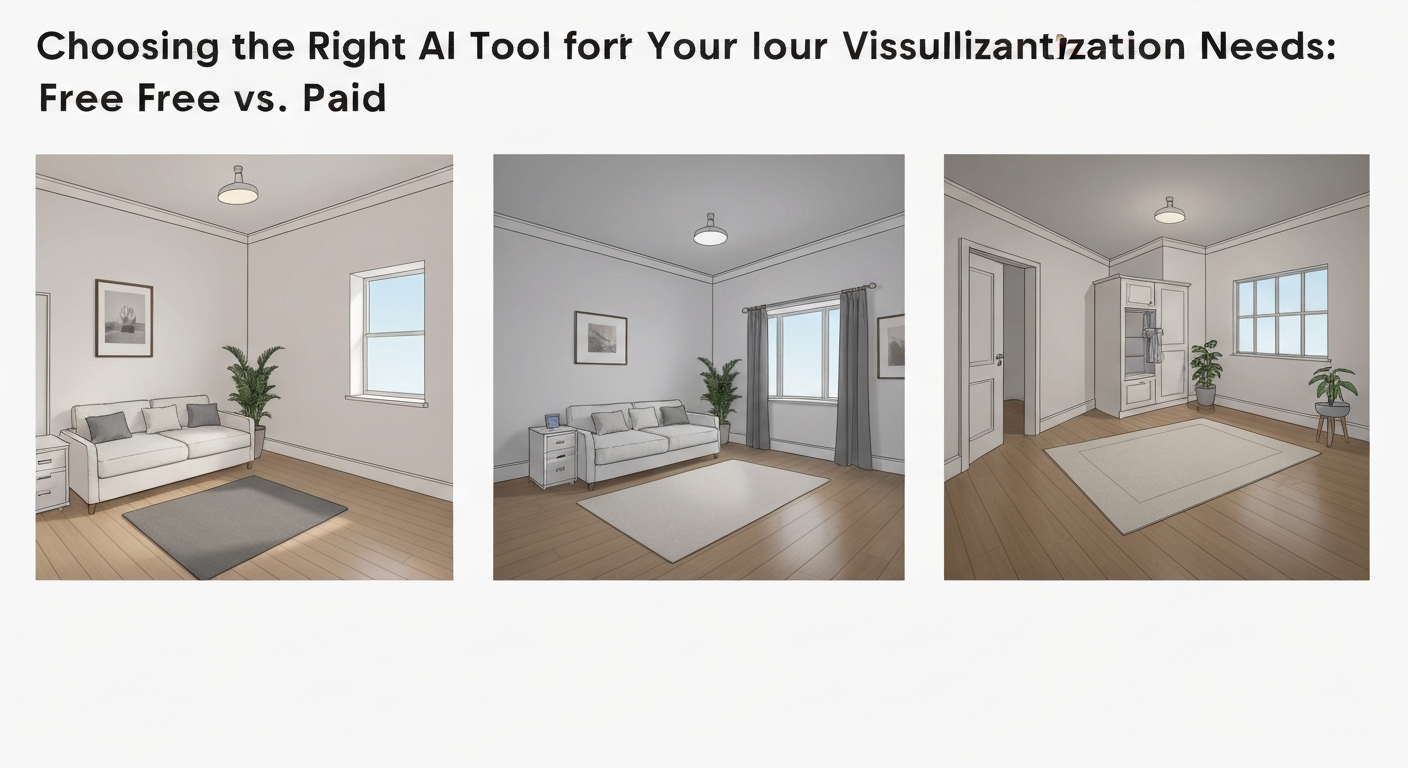
Deciding which AI visualization tool to use depends directly on your project's scope and budget. Many homeowners and renters wonder, "can AI show me what my room will look like?" The good news is that AI-powered design tools are becoming 30% more accessible to non-professionals year-over-year, according to TechCrunch (2024). This means powerful options exist for every price point, helping you see how AI helps visualize room changes before you buy.
To help you choose, here's a breakdown of common AI visualization tool types:
| Feature/Aspect | Free Tools (e.g., RoomGPT, IKEA Place) | Mid-Tier Options (e.g., Planner 5D free tier, RoomSketcher) | Paid/Subscription Tools (e.g., Modsy, DecorMatters) |
|---|---|---|---|
| Cost | Free | Basic features free, paid upgrades | Subscription or per-room fee |
| Best For | Testing paint colours, placing single furniture items (e.g., a new sofa) | Basic layout planning, virtual tours, wider item libraries | Highly realistic renders, expert design advice, extensive customization |
| Realism | Basic, sometimes less accurate scale | Good for layouts, decent furniture representation | Photo-realistic, often with material textures |
| Library Size | Limited, often brand-specific (e.g., IKEA) | Moderate, growing selection | Extensive, includes real-world products |
Even free apps offer a valuable first step for visualizing simple changes, like a new throw rug in a Toronto condo. For more complex renovations, investing in a mid-tier or paid solution, perhaps even using a tool like iDecorAI, provides greater detail and confidence in your design choices.
What Are the Realistic Expectations for AI When Visualizing Room Changes?
Many homeowners assume AI tools will instantly transform a messy room photo into a showroom, but the true magic often starts with your effort to provide a clean slate. The most impressive AI visualizations don't just rely on advanced algorithms; they hinge on the quality of the input you provide, dictating what you can realistically expect when you want to see how AI helps visualize room changes.
What AI Excels At
- High-Fidelity Previews: AI can generate remarkably realistic visualizations, letting you see new furniture styles or paint colours like Benjamin Moore's "Pale Oak" with impressive accuracy within your existing space.
- Rapid Iteration: Experiment with countless design variations in minutes. This speed can reduce your planning time by up to 40%, according to a 2023 Forbes report, compared to traditional methods like moving actual furniture.
- Cost-Effective Experimentation: Before buying expensive samples or committing to a custom sofa from a local shop in Montreal, AI lets you test bold ideas without financial risk.
- Design Accessibility: Tools like iDecorAI put professional-level visualization capabilities directly into the hands of a homeowner in Calgary, no design degree required.
Where AI Has Limits
- Existing Clutter Challenges: AI struggles with highly cluttered rooms. For optimal, clean results, you often need to declutter your space or manually edit photos before uploading them.
- Perfect Realism vs. Reality: While impressive, AI renders might lack the subtle imperfections or unique character of real-world materials and how natural light hits them.
"The AI tools are incredible for getting ideas quickly, but I always tell clients to get a physical paint swatch. The screen never perfectly matches how light hits the real wall." — Interior Designer, Vancouver
- Input Quality Matters: Low-resolution, blurry, or poorly lit photos will yield less accurate and less realistic AI-generated designs. High-quality inputs are crucial.
- Tactile Experience: AI cannot convey the feel of a velvet sofa or the grain of solid oak flooring, which means integrating physical samples remains a vital step.
Ultimately, AI is a powerful assistant, not a magic wand. For the best results, use high-resolution, well-lit photos and remember to cross-reference AI visualizations with physical samples to ensure your choices align with real-world aesthetics and tactile feel.
Integrating AI Visualizations into Your Renovation Plan
Integrating AI Visualizations into Your Renovation Plan
Incorporating AI visualizations into your home design process transforms abstract ideas into tangible plans, streamlining discussions with professionals. When you show a contractor in Vancouver an AI-generated image of a redesigned kitchen layout, complete with new cabinetry and an island, you provide a clear visual reference that eliminates guesswork. Similarly, an interior designer in a Halifax condo can quickly grasp your desired aesthetic when presented with AI outputs showing various furniture arrangements and colour palettes. This visual clarity acts as a powerful starting point, saving time and preventing misinterpretations. Use AI outputs to build a 'design decision matrix' that compares options side-by-side. For instance, if you're choosing a new sofa for your suburban Ottawa living room, AI tools like iDecorAI can render several styles directly into your space.| Feature | Option 1 (AI Render) | Option 2 (AI Render) |
|---|---|---|
| Sofa Style | Modern Sectional | Classic Chesterfield |
| Colour | Charcoal Grey | Forest Green |
| Room Feel | Sleek, Contemporary | Cozy, Traditional |
Frequently Asked Questions
Why should I use AI to plan my room renovation?
AI visualization helps you test design ideas without commitment, saving both time and money. Instead of buying a new dining table that overwhelms a small Toronto condo, you can see it virtually. It reveals how different paint colours, like Benjamin Moore's "Balboa Mist," interact with your existing lighting and furniture. This process prevents costly mistakes and ensures your design choices align with your vision before any physical changes begin, offering peace of mind.
How does artificial intelligence visualize room changes?
AI tools analyze your room's existing dimensions and elements from uploaded photos or floor plans. Using advanced algorithms, they then generate realistic images by applying new textures, furniture, and colours. For instance, you could upload a photo of your current bathroom and instantly see it with new subway tiles or a floating vanity. This process simulates real-world lighting and spatial relationships, offering a compelling preview of your finished design.
What AI tools can visualize room layouts and decor?
Several AI tools assist with room visualization. Platforms like Planner 5D and RoomSketcher offer robust 2D and 3D floor planning with AI-assisted rendering. For quick decor changes, apps such as Homestyler or DecorMatters allow you to virtually place furniture and test paint colours in your actual room photos. Some online furniture retailers, like IKEA, also integrate basic AI features to help customers visualize products in their homes before purchase.
Is AI room visualization accurate for home design?
AI room visualization offers a high degree of accuracy for planning and conceptualization, especially for spatial arrangements and furniture placement. It can realistically show how a new sectional sofa fits into a family room. However, minor discrepancies can occur with exact colour representation due to screen calibration or material textures. It's best used as a powerful guide to refine ideas, not a perfect replica, always recommending physical samples for final colour approval.
Can AI help me choose new furniture and colors for a room?
Absolutely. AI tools excel at suggesting furniture styles and colour palettes based on your preferences, existing decor, or a desired aesthetic, such as a Scandinavian-inspired living room. You can experiment with different sofa designs, rug patterns, and wall colours, seeing them instantly applied. For instance, you could virtually test Farrow & Ball's "Elephant's Breath" on your walls with various wood tones and upholstery fabrics, ensuring a cohesive and pleasing outcome.
Frequently Asked Questions
Why should I use AI to plan my room renovation?
How does artificial intelligence visualize room changes?
What AI tools can visualize room layouts and decor?
Is AI room visualization accurate for home design?
Can AI help me choose new furniture and colors for a room?
Keep reading
All articles →
Visualize Your Dream Home: Zillow AI's Reality Check & How to Master It
Zillow's new AI tool goes beyond staging, democratizing the 'designer's eye' for house hunters. It allows you to test personal style against a property's bones, fundamentally shifting how you visualize your dream home.

Real-World Test: We Tried 13 AI Interior Design Tools So You Don't Have To (Here Are Our Top 3 Picks!)
The sheer volume of new AI interior design tools often complicates the design process for homeowners. Our Real-World Test of 13 platforms reveals which truly deliver actionable, budget-friendly plans.

Dream Home on a Budget & Timeline: AI for Faster, Affordable Redesigns
While many assume a personalized dream home requires a hefty budget, AI tools are fundamentally shifting this reality, acting as a personal project manager for your entire redesign. They provide a step-by-step blueprint that optimizes every phase, making your dream home a tangible goal.