
DIY Decorator's AI Playbook: How to Use AI for Room Decorating
The real power of AI in home decorating is eliminating the costly fear of commitment. Easily preview new paint colours, furniture, or decor styles to visualize changes precisely before spending a dollar.

Why Should You Use AI for Your Room Decorating Project?
The real power of AI in home decorating isn't just about generating endless design ideas; it's about eliminating the costly fear of commitment. For Canadian homeowners tackling a living room refresh or condo dwellers updating a bedroom, AI tools like iDecorAI or RoomGPT let you upload a photo of your existing space and instantly preview new paint colours, furniture arrangements, or decor styles. This capability transforms uncertainty into confidence, allowing you to visualize changes precisely before spending a single dollar. It's how to use AI for room decorating: by making expensive design mistakes a thing of the past.
Many Canadians struggle to picture how new items will truly look in their homes; research indicates up to 60% of consumers find it difficult to visualize furniture or decor in their space. This often leads to buying a sofa that's too big for a semi-detached living room or a paint colour that clashes with existing flooring. AI sidesteps this common pitfall. Instead of guessing, you see the outcome. This visual clarity also drastically cuts down on costly returns, as online furniture return rates can hit 40% when items don't meet expectations.
Furthermore, AI tools offer a significant financial advantage. While a professional interior designer in Vancouver or Montreal might charge between $2,000 to $10,000 per room, affordable AI subscriptions or even free tools let you experiment endlessly. This saves money and accelerates your design journey, with AI-powered tools potentially cutting design time by half.
Getting Started: Preparing Your Room for AI Design
Many DIY decorators jump into AI tools for instant makeovers. Yet, overlooking crucial prep work leads to inaccurate results. Deliberate steps *before* input ensures AI understands your space and vision, making the process of how to use AI for room decorating far more effective. This initial effort translates directly into designs that fit and inspire.Room Prep Quick Reference
Measure walls, ceiling height, windows, doors precisely. This ensures AI tools like iDecorAI suggest furniture fitting your Ontario condo living room.
Capture bright, well-lit photos from multiple angles. Natural light is ideal. AI uses these to understand existing elements in your Vancouver home.
Outline preliminary style (e.g., minimalist) and functional needs ("home office"). This guides AI, preventing overwhelming design choices.
List any furniture or decor to keep. AI integrates these seamlessly, saving money and preserving sentimental pieces like a Halifax heirloom.
Note natural light sources and artificial lighting. AI simulates how colours appear, crucial for avoiding paint disappointments in your Montreal apartment.
"You can't expect magic from an AI if you feed it garbage data. Accurate measurements are non-negotiable, otherwise you're just guessing." — experienced DIYer, CalgaryThis foundational preparation sets clear expectations for the AI and yourself. With a well-prepared space and clear vision, you're ready to explore how AI can transform your design ideas into actionable plans.
Step-by-Step: How to Use AI for Layouts, Furniture, and Space Planning
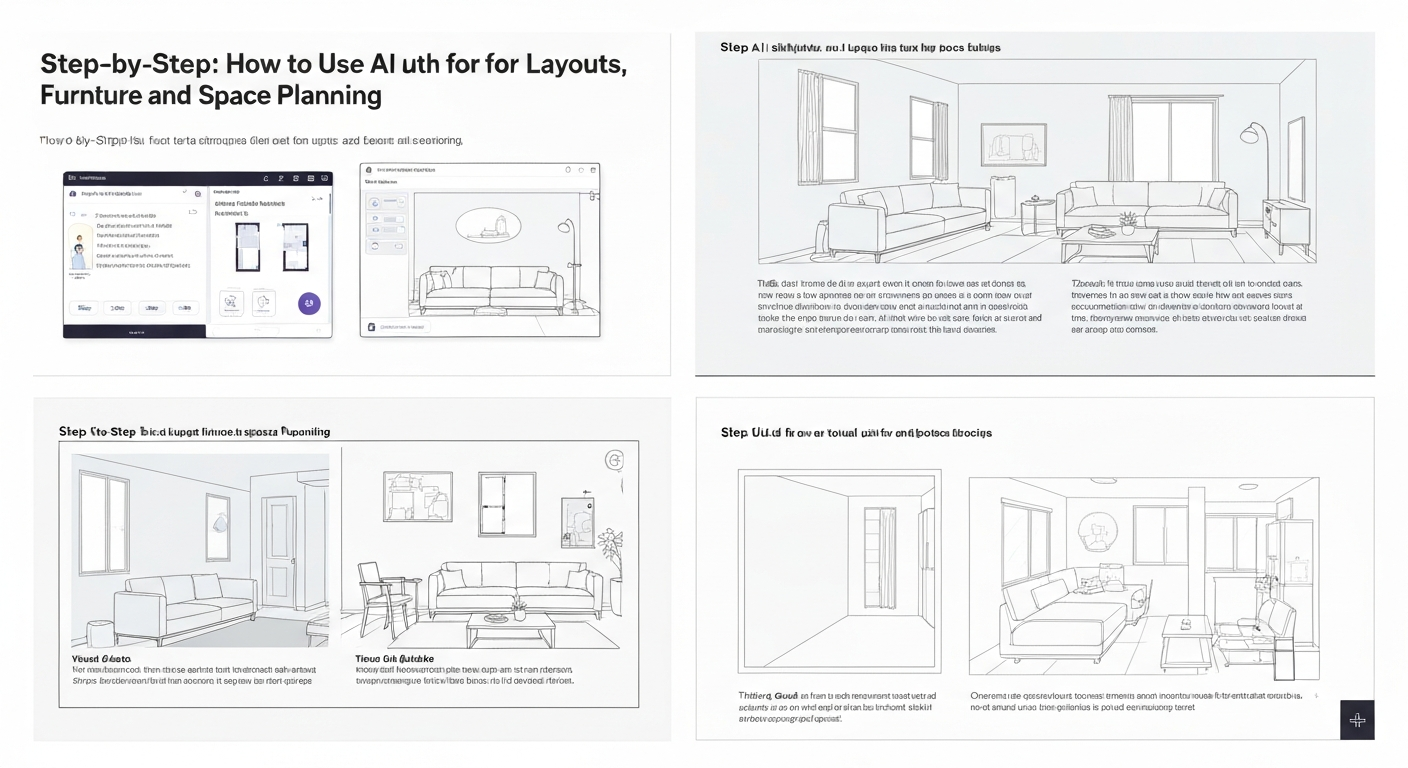
Many homeowners dread buying a new sofa or a dining table, only to find it swallows their living room or clashes with existing decor. This common frustration, contributing to online furniture return rates as high as 40% due to items not meeting visual expectations, is precisely where AI design tools shine. They help you experiment with layouts, furniture, and space planning without spending a dime.
Upload Your Room Data
Begin by uploading clear photos of your existing room – perhaps a cramped condo kitchen in Vancouver – along with precise dimensions into your chosen AI room planner app. Accurate measurements are critical; even a free tool like RoomGPT benefits from exact wall lengths and ceiling heights.
Generate Initial Layouts
Utilize the AI's capabilities to generate various floor plans and furniture arrangements. Imagine seeing three distinct layouts for your open-concept Toronto living space, complete with suggested zones for dining or reading. This rapid visualization helps homeowners overcome the difficulty in imagining new setups.
"I used to sketch layouts for clients on paper, but now I can show them five options for their master bedroom in minutes. It makes the conversation so much richer." — independent designer, Montreal
Experiment with Furniture
Now, drag and drop virtual furniture pieces from extensive libraries into your AI-generated space. Test if that chunky sectional from Leon's fits your basement rec room or if a sleeker loveseat is a better choice for a small apartment. Tools like iDecorAI often include real-world product dimensions.
Optimize for Flow and Function
Adjust layouts to ensure optimal traffic flow and functional zones. For a narrow hallway entrance in a Halifax rowhouse, the AI can highlight where a console table might obstruct movement or where a reading nook feels too isolated. This step directly addresses common spatial challenges.
Refine and Iterate
Continuously tweak and refine your design. The AI provides feedback on spatial efficiency and aesthetic balance, making easy AI interior design software for homeowners truly practical. This iterative process is key to learning how to use AI for room decorating effectively.
This systematic approach, powered by AI, helps homeowners visualize and perfect their space before committing to any purchases, saving both time and potential expensive headaches. Next, let's explore how AI can spark creativity with colour and texture.
Unlocking Creativity: Using AI for Color Palettes, Textures, and Decor Ideas
The biggest hurdle for many homeowners in Calgary trying to refresh a space isn't a lack of ideas, but the fear of making expensive, irreversible choices with colours and textures. What’s often missed is how AI tools are democratizing the sophisticated art of design, allowing anyone to experiment with complex palettes and material interactions before spending a dime.
AI can suggest harmonious colour palettes based on your existing furniture, desired mood, or even an uploaded inspiration photo of a Canadian landscape. For instance, a senior kindergarten teacher in Halifax redecorating her living room could upload a picture of a favourite autumn scene; the AI might return a palette of deep russets, goldenrod, and muted forest greens. This capability directly addresses the 60% of consumers who struggle to visualize how new decor will look in their space, according to industry reports.
Beyond colour, you can explore virtual swatches of different textures. See how a rustic wood floor pairs with a plush velvet sofa, or how a sleek quartz countertop interacts with a textured backsplash tile. Tools like iDecorAI allow you to experiment with various wall treatments, flooring options, and textile patterns without the commitment or cost of physical samples. This hands-on visualization builds confidence in your design choices, reducing the anxiety of costly errors.
By using AI for room decorating to refine these creative elements, you move beyond mere spatial planning to develop a cohesive aesthetic that truly reflects your personal style.
How Can AI Address Common Decorating Challenges? (Small Spaces, Rentals, Budgets)
AI Solutions for Small Spaces, Rentals, and Budgets
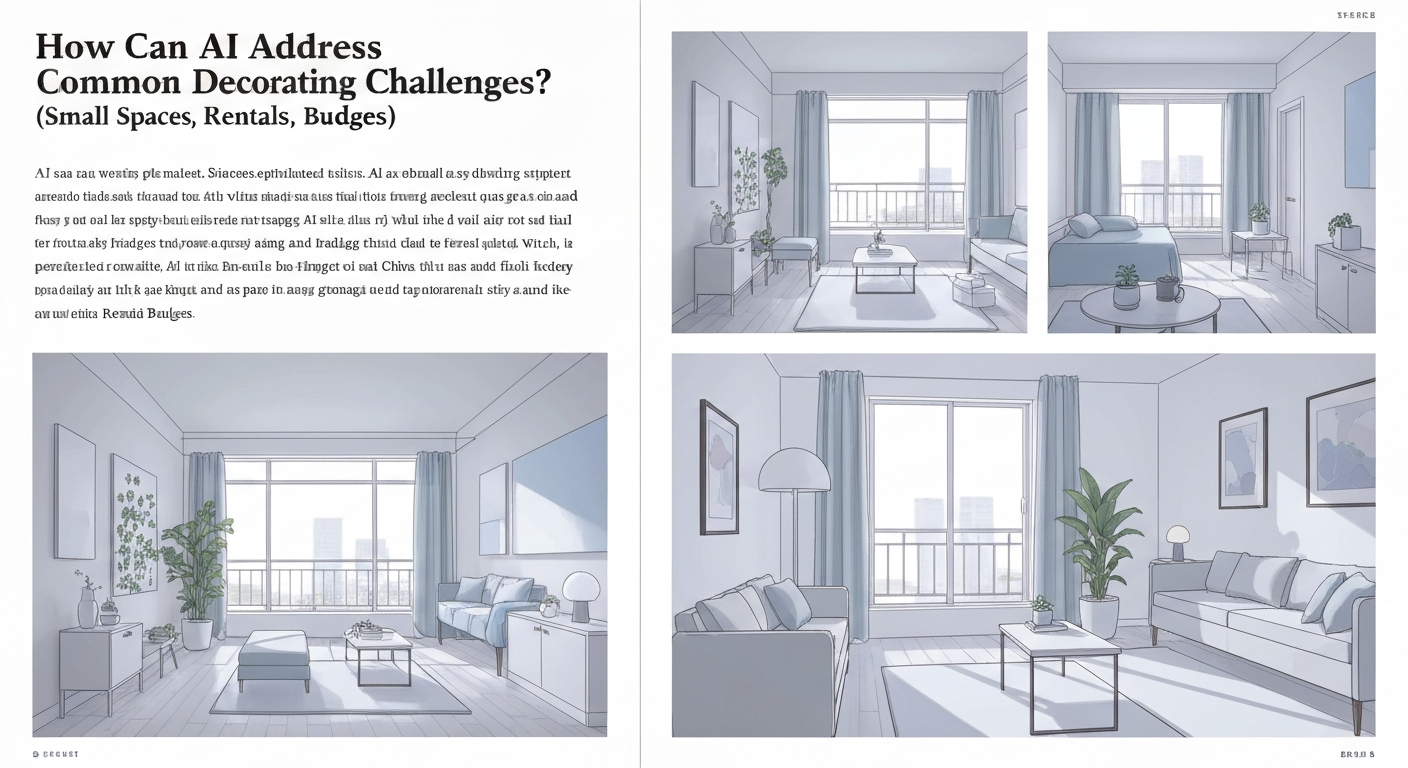
Decorating within constraints often feels like solving a puzzle. Many Canadian homeowners and renters face compact living areas, strict rental agreements, or tight budgets. Understanding how to use AI for room decorating turns these frustrations into creative opportunities. For a small Toronto condo, AI tools like iDecorAI optimize layouts, suggesting multi-functional furniture such as storage ottomans. In a Halifax apartment, AI generates temporary decor ideas, including removable wallpaper, respecting lease agreements. Budget-conscious DIYers use AI to compare virtual furniture from various price points – picturing a sofa from Structube versus a similar style from IKEA – preventing expensive design mistakes."I used to spend hours browsing furniture, only to realize nothing fit my tiny apartment. AI showed me a wall bed solution I'd never considered." — condo renter, MontréalThe global interior design services market was valued at USD 150.7 billion in 2022, per Grand View Research, highlighting significant investment. AI offers a cost-effective alternative for DIYers, directly tackling the fear of expensive design mistakes.
Top Free & Affordable AI Tools for Home Decorators
Many homeowners hesitate to experiment with new design ideas, largely fearing expensive mistakes like buying furniture that doesn't fit or choosing the wrong paint colour. However, you don't need a professional designer or a hefty budget to visualize changes. Surprisingly, a growing suite of free and budget-friendly AI tools now exists to help Canadians confidently plan their spaces, preventing those costly missteps that can make online furniture return rates as high as 40%, according to industry data.
| Tool Name | Key Feature | Cost | Best For |
|---|---|---|---|
| RoomGPT | AI-powered room redesign from photos | Free (basic), Paid (advanced) | Quick visual inspiration, trying different styles |
| Planner 5D | 2D/3D floor plans, virtual furniture | Free (basic), Paid (premium assets) | Detailed space planning, how to visualize room ideas with AI |
| IKEA Place | AR furniture placement in real-time | Free | Seeing IKEA furniture in your actual space |
| Homestyler | Professional-grade design tools for beginners | Free (basic), Paid (pro features) | Comprehensive design, rendering, AI room planner app reviews |
| Fotor AI Interior Designer | AI-generated decor based on prompts | Free (limited), Paid | Generating creative decor ideas, best free AI room decorator options |
These accessible platforms simplify how to use AI for room decorating, allowing you to experiment with countless designs and layouts from your living room in Montréal or your condo in Vancouver. They empower you to make informed decisions and transform your vision into reality, all before spending a single dollar on physical items.
From Screen to Scene: Tips for Bringing Your AI Design to Life
Bringing your AI-generated room design to life feels like unwrapping a present you've already seen. Your AI tool, perhaps iDecorAI or another visualization platform, gives you a comprehensive blueprint. Use it like a detailed shopping list, noting furniture styles, colours, and decor elements. Start by sourcing key pieces first, such as a new sofa for your Toronto condo living room or the main paint colour for a kitchen reno. Then, gradually layer in smaller decor items like throw pillows, wall art, and lighting to build the full aesthetic.
Even if your AI rendering looked perfect, always double-check physical measurements before purchasing. Online furniture return rates can be as high as 40%, often because items don't fit or look right in person, according to Statista (2022). Order paint swatches, fabric samples, or flooring samples. Seeing these in your home's actual lighting – especially with Canada's varied natural light throughout the day – is crucial. Be ready to make minor adjustments; a shade of grey that looked perfect on screen might feel different under your living room lamp. This practical step ensures your efforts in how to use AI for room decorating truly pay off.
The goal is to translate that digital vision into a comfortable, inviting physical space, making smart choices that save both time and money.
Frequently Asked Questions
Why should I use AI to decorate my room?
AI helps homeowners visualize design options quickly, especially when stuck on a challenging space like a narrow Toronto townhouse living room. It can generate multiple layouts and styles, showing how different furniture arrangements or colour schemes would look without moving a single item. This saves time and prevents costly mistakes, letting you experiment with bold choices or subtle shifts before committing to purchases or renovations.
What do I need to do before using AI for room design?
Before using AI, gather precise room measurements, including ceiling height and window/door placements. Take clear, well-lit photos from various angles, especially if you plan to keep existing furniture in your Calgary den. Define your style preferences, budget, and functional needs – do you need more storage, a home office nook, or a cozy reading corner? This input guides the AI for more accurate, personalized suggestions.
How can AI help me plan my room layout and furniture?
AI can analyze your room's dimensions and suggest optimal furniture placement, improving flow and functionality. For an open-concept Vancouver condo, it might propose zones for dining and living, or show how a sectional fits into a compact Montreal semi. It helps visualize different layouts, ensuring pieces like a king-size bed or a large dining table will actually fit and leave adequate walking space, preventing common spatial misjudgments.
Can AI generate color palettes and decor ideas for my home?
Absolutely, AI excels at generating cohesive colour palettes and decor ideas. You can input a desired mood, like 'calm and airy' for a bedroom overlooking Lake Ontario, or a specific style, such as 'mid-century modern' for a Halifax dining room. The AI will suggest paint colours, accent hues, and complementary decor items like textiles, lighting, and artwork, providing a unified vision that aligns with your aesthetic preferences.
What are some free or affordable AI tools for room decorating?
Several free or affordable AI tools are available for room decorating. Platforms like Planner 5D and Homestyler offer 3D room planners with AI-assisted layouts and furniture placement. RoomGPT and iDecorAI can generate design ideas from uploaded photos, suggesting styles and colour schemes. Many furniture retailers also offer free online room planners. These tools provide accessible ways to experiment with designs without significant investment.
Frequently Asked Questions
Why should I use AI to decorate my room?
What do I need to do before using AI for room design?
How can AI help me plan my room layout and furniture?
Can AI generate color palettes and decor ideas for my home?
What are some free or affordable AI tools for room decorating?
Keep reading
All articles →
Visualize Your Dream Home: Zillow AI's Reality Check & How to Master It
Zillow's new AI tool goes beyond staging, democratizing the 'designer's eye' for house hunters. It allows you to test personal style against a property's bones, fundamentally shifting how you visualize your dream home.

Real-World Test: We Tried 13 AI Interior Design Tools So You Don't Have To (Here Are Our Top 3 Picks!)
The sheer volume of new AI interior design tools often complicates the design process for homeowners. Our Real-World Test of 13 platforms reveals which truly deliver actionable, budget-friendly plans.

Dream Home on a Budget & Timeline: AI for Faster, Affordable Redesigns
While many assume a personalized dream home requires a hefty budget, AI tools are fundamentally shifting this reality, acting as a personal project manager for your entire redesign. They provide a step-by-step blueprint that optimizes every phase, making your dream home a tangible goal.