How to Redesign Your Bedroom with AI Step-by-Step: Your DIY Playbook
AI tools can significantly cut bedroom redesign time, saving 10-20 hours on traditional planning and brainstorming. To redesign your bedroom with AI step by step, begin by defining your personal style and specific room needs.
Your AI-Powered Bedroom Redesign: A Step-by-Step Overview
Your AI-Powered Bedroom Redesign: A Step-by-Step Overview
Imagine slashing 10-20 hours from your bedroom redesign research and brainstorming. AI tools aren't just for sparking ideas; they're your secret weapon for efficiency. To redesign your bedroom with AI step by step, you first define your style and room needs. Next, select an appropriate AI design tool like iDecorAI or RoomGPT, input your specific prompts to generate initial concepts, then refine these ideas, budget for materials, and finally execute the physical transformation. This structured approach helps homeowners translate abstract AI visuals into tangible, budget-conscious plans, avoiding common pitfalls of generic results.
Homeowners often feel overwhelmed by the sheer number of AI design tools available and the challenge of translating digital concepts into a real space. This guide tackles those pains directly. We empower you to navigate the vast landscape of AI design tools, ensuring you pick the best fit for your specific bedroom makeover — whether you're revamping a small condo bedroom in Vancouver or a master suite in a suburban Calgary home.
According to a report by Grand View Research, the global AI in interior design market is projected for significant growth, with a compound annual growth rate (CAGR) of over 25% from 2023-2030. This trend indicates a strong shift towards homeowners adopting AI to achieve professional-looking results affordably, potentially saving thousands compared to hiring a traditional designer. Our playbook will walk you through the entire process, from defining your style to sourcing materials and executing the final touches, making you your own AI-assisted interior designer.
Step 1: Define Your Vision & Assess Your Bedroom's Current State
Before you even think about AI prompts, you need a clear picture of what you want and what you're working with. Skipping this initial assessment is like trying to bake without knowing your ingredients or oven settings; the AI output will be generic and impractical for your actual space.
1
Measure Your Space Precisely
Grab a tape measure and document every dimension: wall lengths, ceiling height, and window/door placements. Note fixed elements like radiators in a Toronto semi-detached home or built-in closets. Accurate measurements are critical input for any AI tool, ensuring generated layouts fit your real bedroom.
2
Define Your Aesthetic & Inspiration
Gather visual inspiration. Create a Pinterest board titled "My Dream Bedroom" or tear pages from design magazines. Whether you lean towards a West Coast modern vibe or a cozy cabin feel, having concrete examples helps you articulate your preferred style to the AI. This clarity avoids vague prompts that yield uninspired results.
3
Identify Current Pain Points & Needs
What bothers you most about your current bedroom? Is it the lack of storage, poor lighting, or a cramped layout in your Vancouver condo? List these issues. Also, consider functional needs: do you need a small desk for remote work, or a comfortable armchair for reading? Addressing these directly ensures your redesign, assisted by AI, truly improves your everyday living.
"You can't just ask AI for 'a nice bedroom.' You have to tell it what 'nice' means to *you* and what problems you need solved." — interior design consultant, Montreal
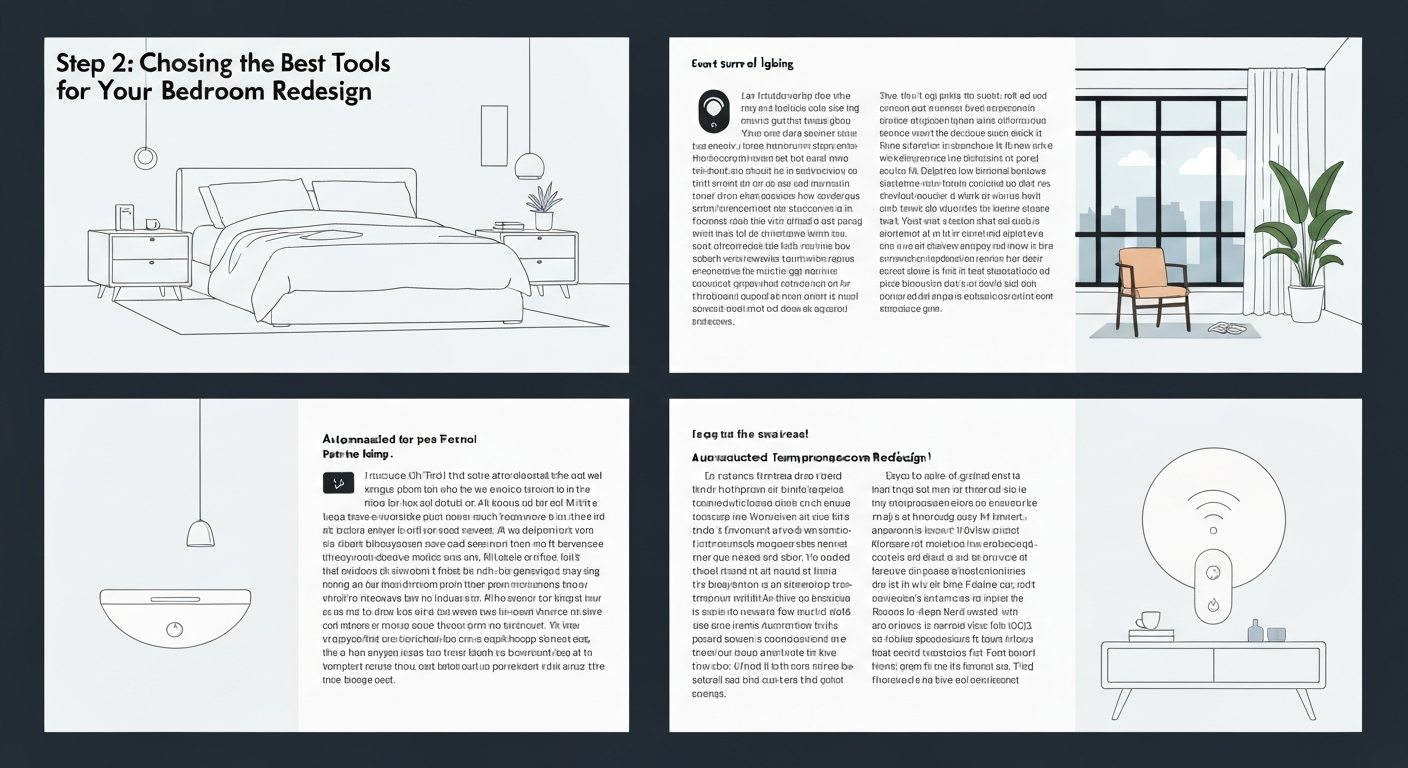
Step 2: Choosing the Best AI Tools for Your Bedroom Redesign
Choosing the Best AI Tools for Your Bedroom Redesign
The sheer volume of AI design tools can feel overwhelming, like trying to pick a single paint chip from an entire hardware store wall. The trick to effectively redesigning your bedroom with AI step-by-step is to choose the right digital assistant for your specific needs, rather than chasing every new app.
1
Start with Your Existing Space
Prioritize tools that let you upload photos of your current bedroom. Programs like RoomGPT or Planner 5D excel here, taking your actual walls and windows as a starting point. This avoids generic designs and gives the AI a realistic canvas to work with, making its suggestions far more actionable for your Toronto semi-detached home.
2
Balance Free vs. Paid Features
Many free AI bedroom visualizers, like those found on Wayfair's site, offer basic 2D layouts and furniture placement. For advanced 3D rendering, detailed material textures (think specific hardwood or fabric types), and extensive furniture libraries, a paid subscription to tools like iDecorAI or Homestyler often becomes necessary. Studies suggest that homeowners using visualization tools may report up to 30% less stress during renovations.
3
Look for Intuitive Interfaces
If you're new to AI, choose tools with a simple, drag-and-drop interface. A steep learning curve can quickly derail your enthusiasm. Look for clear tutorials within the app itself. The goal is to generate ideas for how to redesign your bedroom with AI step by step, not to become a software engineer.
"
Step 3: Mastering AI Prompts for Dream Bedroom Concepts
Mastering AI Prompts for Dream Bedroom Concepts
Moving beyond generic AI outputs requires precise instructions. Think of AI as a skilled but literal artist; your prompts are the detailed brief that transforms a basic request into a personalized vision for how to redesign your bedroom with AI step by step.
1
Start with Style & Mood
Begin with clear descriptive keywords. Instead of "nice bedroom," try "cozy Scandinavian bedroom with warm textures" or "minimalist industrial bedroom with large windows." Specify the feeling you want to evoke.
2
Detail Key Elements
List specific furniture and features. Include "king-size bed," "built-in shelving," "no overhead lighting," or "plants in corners." You can also exclude elements, like "exclude large dresser."
3
Incorporate Colour & Texture
Describe your preferred palette: "warm neutrals with pops of sage green," "deep greens and gold accents," or "monochromatic grey." Mention textures like "velvet headboard," "reclaimed wooden floor," or "linen bedding."
4
Refine and Iterate
Experiment! If the first result isn't quite right, adjust your prompt. Add more detail, change a keyword, or try a different structure. For instance, refine "modern bedroom" to "mid-century
Step 4: Refining & Personalizing Your AI Bedroom Designs
AI can generate stunning bedroom concepts, but the real magic happens when you filter those ideas through the lens of your actual home. Your goal now is to take those exciting visuals and refine them into a practical, personalized plan for how to redesign your bedroom with AI step by step.
1
Evaluate for Reality
Look critically at the AI's suggestions. Does that king-sized bed truly fit in your Toronto semi-detached bedroom with its sloped ceiling? Is the window placement accurate? AI tools like iDecorAI can sometimes miss existing features or room dimensions, so compare the AI's vision against your room's actual layout and immovable elements.
2
Combine & Create Hybrids
Don't settle on one AI output. Perhaps one design had the perfect colour palette, while another featured an ideal storage solution. Mix and match. Combine the minimalist aesthetic from one concept with the cozy reading nook from another to craft a unique hybrid design that captures all your favourite elements.
3
Infuse Your Personality
AI won't know about your grandmother's antique dresser or the framed photograph from your trip to Banff. These personal touches make a room feel like home. Integrate sentimental items, unique artwork, or custom elements that reflect your individual story and taste. This human element is where true personalization shines.
4
Build a Cohesive Mood Board
Gather your refined AI visuals alongside images of real products—think
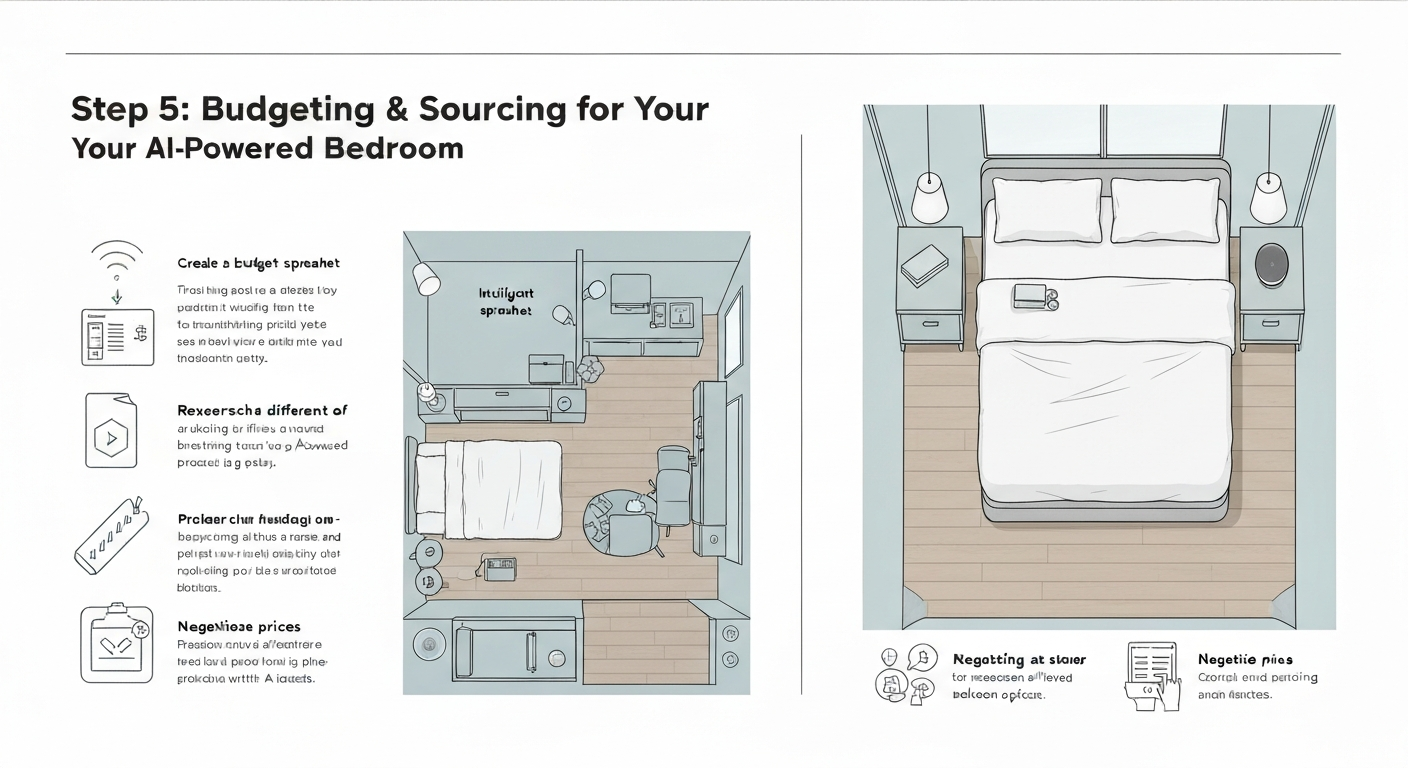
Step 5: Budgeting & Sourcing for Your AI-Powered Bedroom
Budgeting & Sourcing for Your AI-Powered Bedroom
Translating your AI-generated bedroom concept into a real space means making smart financial choices. This step ensures your vision, like a serene Scandinavian-inspired retreat for a Toronto condo, doesn't break the bank when you actually go to buy furniture and decor.
1
Categorize Your Costs
Break down your redesign into core areas: furniture (bed frame, dresser), paint (walls, trim), lighting (fixtures, lamps), and decor (rugs, art, textiles). Assign a realistic budget to each. For instance, a new queen bed might be $800, while paint for a 10x12 ft room could be $100.
2
AI as Your Shopping List
Use your refined AI design as a visual shopping guide. If iDecorAI suggested a bouclé armchair, search for "bouclé armchair Canada" on sites like Wayfair or Structube. Focus on matching the style and feel rather than exact replicas to stay within budget.
3
Explore Diverse Sourcing
Combine new purchases with budget-friendly finds. Check local second-hand stores in neighbourhoods like Kensington Market in Toronto or online marketplaces like Facebook Marketplace for unique pieces. Many Canadian homeowners, about 70%, undertake DIY projects annually, making repainting an old dresser a smart move.
Step 6: Executing Your Redesign: DIY Tips & When to Call a Pro
With your AI-refined design and sourced materials in hand, the next phase is bringing your dream bedroom to life. This is where your vision, aided by tools like iDecorAI, transitions from screen to reality, blending DIY effort with strategic professional help.
1
Map Out Your Project Timeline
Break your bedroom redesign into manageable tasks. Start with demolition or clearing the room, then painting, furniture assembly (like an IKEA Hemnes dresser), and finally, arranging your chosen decor. A clear timeline for a 10x12 foot room might involve one weekend for painting, another for furniture, and evenings for styling.
2
Embrace Smart DIY for Savings
Tackle tasks like painting walls, hanging art, or assembling new bedside tables yourself. These efforts significantly reduce costs and inject personal touches. Industry data shows roughly 70% of homeowners attempt at least one DIY project annually, proving it's a common, rewarding approach for how to redesign your bedroom with AI step by step.
3
Know When to Hire a Pro
For complex tasks such as relocating electrical outlets for new sconces, installing a ceiling fan, or structural changes to a closet, call a licensed professional. Safety and quality are paramount. While AI helps plan, it doesn't replace skilled trades for execution.
4
Document Your Transformation
Take "in-progress" photos. These capture the journey and are invaluable for your
Step 7: Showcasing Your AI-Transformed Bedroom: Before & After
After weeks of planning, prompting, and practical application, it's time to unveil your newly transformed bedroom. This final step celebrates your hard work and allows you to reflect on your journey in how to redesign your bedroom with AI step by step.
1
Capture the 'After'
Take high-quality photos of your redesigned space. Focus on different angles, natural light, and key features that came from your AI-generated concepts. A well-lit shot of your accent wall or a close-up of your new bedding can make a big difference.
2
Create Your Before & After Story
Dig out those 'before' photos you took at the very beginning. Juxtapose them with your 'after' shots to create a compelling visual narrative. This side-by-side comparison truly highlights the impact of your AI-assisted design choices.
3
Share Your Success
Post your transformation on platforms like Instagram, Pinterest, or Canadian home design forums. Explain how AI tools like iDecorAI helped refine your vision. Inspiring others with your DIY journey is part of the fun!
4
Reflect and Enjoy
Consider what you learned: perhaps AI excelled at colour palettes but needed human input for furniture scale in your small Toronto condo. Industry data suggests visualizing renovations reduces stress by up to 30%, and your completed project proves that value.
Frequently Asked Questions
How do I use AI to redesign my bedroom step by step?
Begin by uploading clear photos of your current bedroom to an AI design platform. Next, input your design preferences, specifying desired styles like 'mid-century modern' or 'industrial chic,' preferred colour palettes, and essential furniture pieces such as a 'queen bed with storage' or 'built-in desk.' The AI will then generate multiple design concepts. Review these options, provide feedback to refine them, and iterate with new prompts until you achieve a visual plan that aligns with your vision and budget for your Canadian home.
What are the best AI tools for bedroom interior design?
Several AI tools offer robust features for bedroom design. RoomGPT and Homestyler are popular choices for their user-friendly interfaces and realistic renderings. Planner 5D provides extensive furniture libraries and 3D visualization. For those seeking Canadian-specific design insights and product suggestions, iDecorAI can be particularly helpful, allowing you to visualize how a new layout or colour scheme would appear in a typical Vancouver condo or a suburban Calgary home. More advanced users might explore Midjourney for unique conceptual art.
Can AI help me create a budget for my bedroom makeover?
While AI design tools excel at generating visual concepts, their budgeting capabilities are still evolving. Some platforms offer estimated cost ranges based on selected furniture styles and material types. However, for a precise budget, it's best to use the AI-generated design as a blueprint and then manually research prices from Canadian retailers like Leon's or The Brick for specific items. AI can help you visualize the impact of different-priced items, guiding you toward cost-effective design choices before committing to purchases.
Why should I use AI for bedroom design ideas?
Using AI for bedroom design offers instant visualization, allowing you to experiment with countless styles and layouts without physically moving anything. It helps overcome design paralysis by presenting diverse options you might not have considered. For example, you can see how a bold accent wall would look in your Montreal townhouse or if a new furniture arrangement improves flow in a small Toronto apartment. This process saves significant time and helps avoid costly mistakes, providing confidence before any physical changes begin.
How to write good prompts for AI bedroom design generators?
Effective prompts are specific and descriptive. Start by identifying the room type ('master bedroom') and desired style ('bohemian retreat,' 'minimalist Scandinavian'). Include key elements like colour schemes ('warm terracotta and cream'), furniture ('platform bed, two floating nightstands, large area rug'), and the overall mood ('calm, inviting, spacious'). Mention specific features of your space, such as 'large bay window in an older Victorian home' or 'low ceilings with exposed beams,' to guide the AI toward more accurate and personalized renderings.
Frequently Asked Questions
How do I use AI to redesign my bedroom step by step?
Begin by uploading clear photos of your current bedroom to an AI design platform. Next, input your design preferences, specifying desired styles like 'mid-century modern' or 'industrial chic,' preferred colour palettes, and essential furniture pieces such as a 'queen bed with storage' or 'built-in desk.' The AI will then generate multiple design concepts. Review these options, provide feedback to refine them, and iterate with new prompts until you achieve a visual plan that aligns with your vision and budget for your Canadian home.
What are the best AI tools for bedroom interior design?
Several AI tools offer robust features for bedroom design. RoomGPT and Homestyler are popular choices for their user-friendly interfaces and realistic renderings. Planner 5D provides extensive furniture libraries and 3D visualization. For those seeking Canadian-specific design insights and product suggestions, iDecorAI can be particularly helpful, allowing you to visualize how a new layout or colour scheme would appear in a typical Vancouver condo or a suburban Calgary home. More advanced users might explore Midjourney for unique conceptual art.
Can AI help me create a budget for my bedroom makeover?
While AI design tools excel at generating visual concepts, their budgeting capabilities are still evolving. Some platforms offer estimated cost ranges based on selected furniture styles and material types. However, for a precise budget, it's best to use the AI-generated design as a blueprint and then manually research prices from Canadian retailers like Leon's or The Brick for specific items. AI can help you visualize the impact of different-priced items, guiding you toward cost-effective design choices before committing to purchases.
Why should I use AI for bedroom design ideas?
Using AI for bedroom design offers instant visualization, allowing you to experiment with countless styles and layouts without physically moving anything. It helps overcome design paralysis by presenting diverse options you might not have considered. For example, you can see how a bold accent wall would look in your Montreal townhouse or if a new furniture arrangement improves flow in a small Toronto apartment. This process saves significant time and helps avoid costly mistakes, providing confidence before any physical changes begin.
How to write good prompts for AI bedroom design generators?
Effective prompts are specific and descriptive. Start by identifying the room type ('master bedroom') and desired style ('bohemian retreat,' 'minimalist Scandinavian'). Include key elements like colour schemes ('warm terracotta and cream'), furniture ('platform bed, two floating nightstands, large area rug'), and the overall mood ('calm, inviting, spacious'). Mention specific features of your space, such as 'large bay window in an older Victorian home' or 'low ceilings with exposed beams,' to guide the AI toward more accurate and personalized renderings.
Zillow's new AI tool goes beyond staging, democratizing the 'designer's eye' for house hunters. It allows you to test personal style against a property's bones, fundamentally shifting how you visualize your dream home.
The sheer volume of new AI interior design tools often complicates the design process for homeowners. Our Real-World Test of 13 platforms reveals which truly deliver actionable, budget-friendly plans.
While many assume a personalized dream home requires a hefty budget, AI tools are fundamentally shifting this reality, acting as a personal project manager for your entire redesign. They provide a step-by-step blueprint that optimizes every phase, making your dream home a tangible goal.