

Visualize Furniture in My Living Room App: Reality & Playbook
Online furniture shopping often leads to high return rates as items disappoint in real spaces. A visualize furniture in my living room app solves this by letting you preview 3D models in your actual room, preventing costly mistakes.
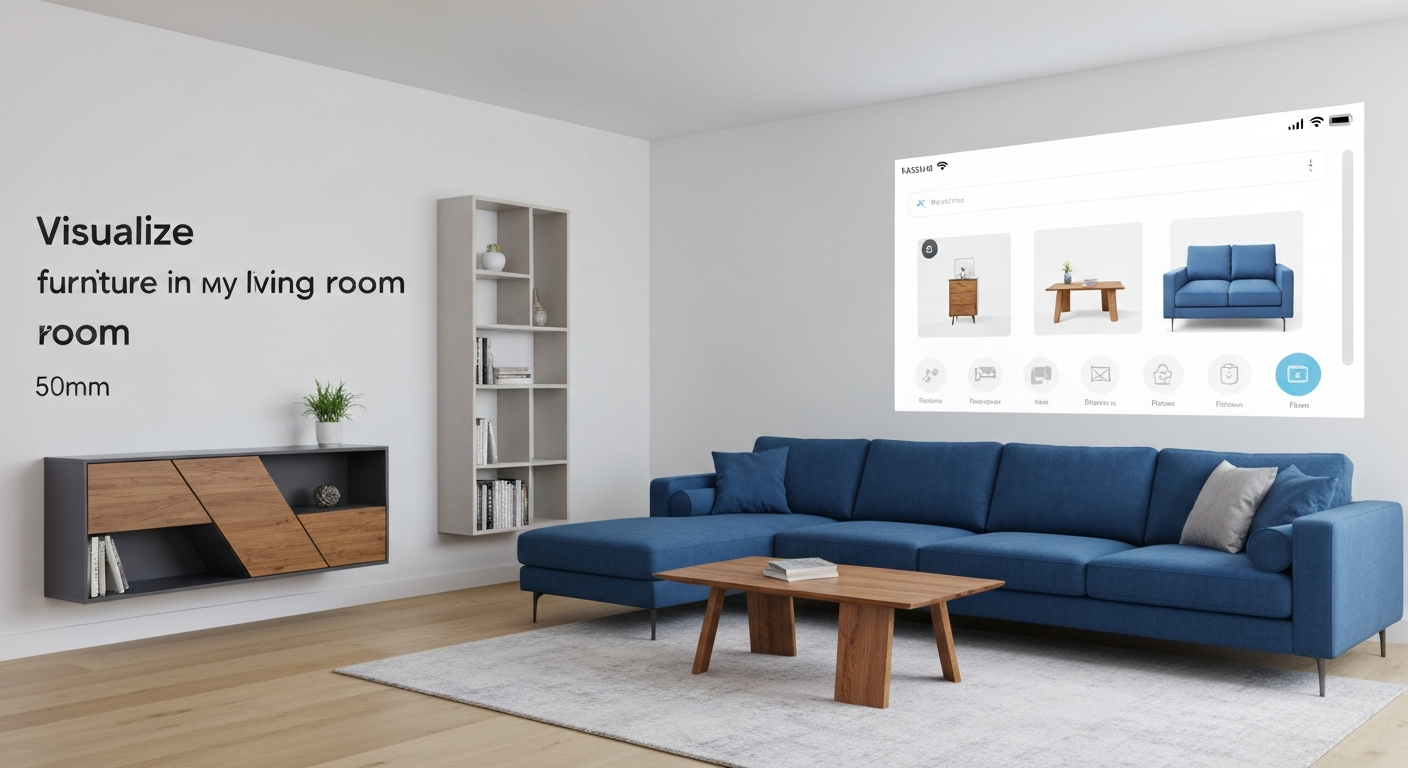
Why Visualize Furniture in Your Living Room?
The unexpected truth about online furniture shopping is that while it offers vast choice, it also fuels a significant return rate because items often disappoint in real-world spaces. A visualize furniture in my living room app tackles this directly, transforming your phone into a design tool. It lets you preview new sofas or tables as true-to-scale 3D models in your actual living room, eliminating guesswork. This prevents costly mistakes, addressing the roughly 32% of online returns attributed to items not meeting expectations, a figure cited by Invesp (2022).
For homeowners and renters, especially those furnishing a small Vancouver apartment or a semi-detached home in Montreal, this means confidence. You can quickly see if a new media console fits next to the fireplace or if a larger area rug will overwhelm a compact space. This ability to experiment with different layouts and furniture pieces without physically moving anything saves immense time and effort. It also means you avoid spending $2,000 to $10,000+ on a living room set only to find it doesn't quite work, a common financial fear according to HomeAdvisor (2023).
Ultimately, these apps empower smarter purchasing decisions. By bridging the gap between virtual inspiration and real-world application, they build confidence and reduce buyer's remorse, explaining why AR technology can boost e-commerce conversion rates by up to 250%, as reported by Deloitte (2022).
Choosing the Best Furniture Visualization App: Top Picks & Decision Guide
Choosing the right app to visualize furniture in your living room app can feel like sifting through a virtual showroom, each promising the perfect fit. Budget-conscious homeowners and renters across Canada seek clarity without subscription shock. Research indicates roughly 32% of online furniture returns happen because items don't match expectations, highlighting the need for accurate visualization.
| App/Feature | Best For | Key Features & Renters' Notes | Pricing Model |
|---|---|---|---|
| IKEA Place | IKEA shoppers, quick sizing checks | Accurate AR for IKEA products; ideal for seeing a Hemnes dresser in a small bedroom. Limited catalog. | Free |
| Houzz | Broad inspiration, connecting with pros | Vast catalogue, design ideas, community advice. Good for exploring styles before committing. | Free with optional in-app purchases |
| Room Planner | Detailed room layouts, full renovations | Advanced 2D/3D floor plans, extensive model library, precise measurements. Useful for planning in a Toronto semi-detached. | Free basic, subscription for full features |
| Wayfair's AR View | Wayfair shopping, vast selection | Seamless Wayfair product integration; strong AR accuracy for thousands of items. See specific sofas. | Free (within Wayfair app) |
"Finding the right app felt like another design project itself, but seeing that sofa in my tiny Vancouver condo living room before buying saved me a huge headache." — renter, Vancouver
The best app depends on your needs: furnishing a new apartment in Halifax, or swapping a coffee table? Consider broad browsing or retailer integration.
How to Use Furniture Visualization Apps for Accurate Results

Getting accurate results from a visualize furniture in my living room app is less about magic and more about preparation. Unrealistic renders contribute to 32% of online returns. Follow these steps to make your virtual living room makeover realistic, saving time and money.
Prepare Your Space
Clear clutter, ensure even lighting. A clean canvas aids accurate room mapping.
"A cluttered scan wastes time; the app can't guess what's hidden." — renter, Vancouver
Scan Accurately
Move device slowly, consistently. Focus on corners and floor edges. This helps apps like iDecorAI map precise dimensions, crucial for small spaces.
Verify Scale
Double-check virtual furniture dimensions against actual product specs. An inch difference means a sofa might not fit a narrow doorway.
Consider Lighting
Observe how virtual items interact with natural light. Realistic shadows and lighting prevent surprises about colour and texture upon arrival.
Integrate Existing Decor
Place virtual items next to current furniture. Quickly see if new pieces complement or clash with existing rugs and wall colours.
By following these practical steps, you move beyond guesswork. Gain confidence to make informed furniture choices for your home, whether renting a small apartment or furnishing a family house.
Beyond the Screen: Integrating Virtual Visualization with Real Shopping
A "visualize furniture in my living room app" offers a powerful starting point, but the real magic happens when you bridge the gap between your screen and your actual living room. Digital mock-ups reduce the common anxiety about whether a new sofa will truly fit or complement your existing decor, especially for budget-conscious renters in Toronto's smaller condos or semi-detached homes.
Once you've settled on a virtual layout, treat your app screenshots and saved designs as a crucial shopping list. Cross-reference every dimension from your app's plan with the exact product specifications on retailer websites. This step is vital, as industry data suggests roughly 60% of consumers prefer to shop for furniture online, making accurate digital comparison paramount. For textures and colours, always order fabric swatches or small material samples; a screen's rendition of "charcoal grey" can differ wildly from the actual velvet under your living room lights.
Beyond generic apps, many major retailers offer their own augmented reality (AR) features. Using the Wayfair or IKEA Place app, for instance, lets you virtually place their specific products in your space, confirming the exact size and appearance before you buy. For a final physical check, use painter's tape on your floor or cardboard cutouts to mimic the furniture's footprint. This low-cost "test run" in a Calgary bungalow can prevent costly returns.
By combining the precision of your visualize furniture in my living room app with these practical, real-world checks, you move closer to making your dream space a tangible reality.
Troubleshooting Your Furniture Visualization App: Common Challenges & Fixes
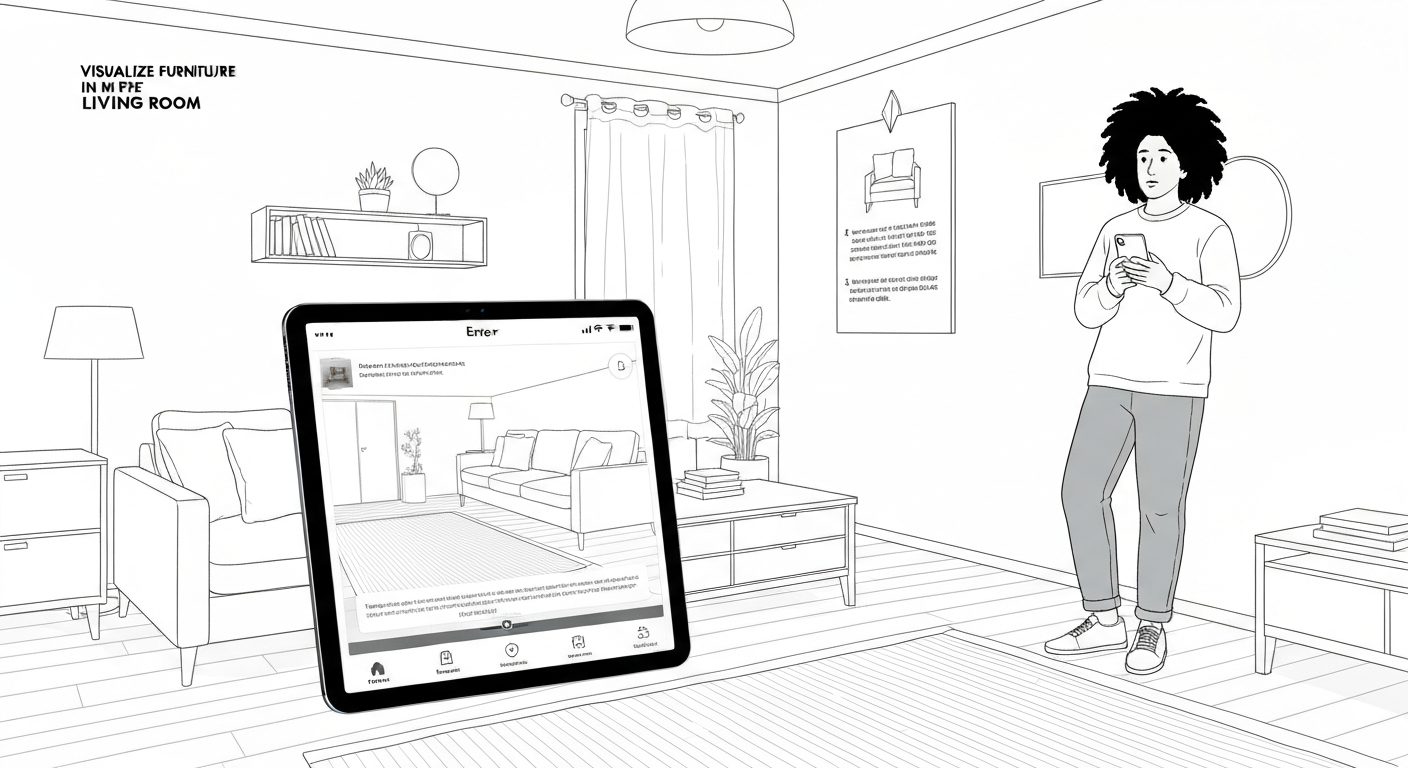
Common App Hurdles & Solutions
If your room map appears warped, "ghosts," or misidentifies walls, the culprit is often lighting or device movement. Ensure even, bright ambient light – turn on all overhead lights and lamps in your Halifax living room. Hold your device steady and move slowly, allowing the app ample time to map the space, especially corners and furniture edges. Recalibrating your device's compass can also help.
The virtual fabric or wood grain looks off? App settings sometimes offer "high resolution" toggles for models, but your device's screen quality plays a big role. A deep teal velvet sofa might appear muted on an older tablet's display compared to a newer smartphone. Try adjusting your device's display settings (brightness, colour temperature) or cross-referencing on another screen to gauge accuracy.
An app that suddenly quits or becomes unresponsive, particularly with graphics-intensive AR tools, might be struggling with your device's resources. Clear the app's cache and data through your phone settings, ensuring you have the latest app version. If an older iPhone 8 struggles repeatedly, it might simply lack the processing power for demanding AR features.
If a specific armchair from a retailer's catalogue won't appear, or the app seems empty, check your internet connection. Many apps stream furniture models. Ensure the app has necessary permissions (like camera access) enabled in your device settings. If the issue persists, especially after an app update, report it directly to the app's support team; a specific model might have a bug.
Not all devices are created equal for AR. Apps optimized for iOS's ARKit might perform differently on Android devices using ARCore. Always review the app's store listing for minimum operating system requirements and recommended device models. An older Android tablet from 2018, for example, might not support the advanced AR features of a newer app like iDecorAI.
Future Trends: What's Next for Virtual Furniture Placement?
Future Trends: What's Next for Virtual Furniture Placement?
The next generation of furniture visualization apps won't just place objects; they'll anticipate your needs and design preferences. Artificial intelligence will soon offer personalized layout suggestions, recommending pieces that fit your style and even generating custom furniture designs based on your living room's unique dimensions and existing decor, like suggesting a custom storage bench for a compact Toronto condo.
Expect more immersive sensory experiences. Future apps will integrate advanced LiDAR sensors for hyper-accurate room mapping, ensuring a virtual sofa fits perfectly into a tight corner. Some might even incorporate haptic feedback, allowing you to "feel" the texture of a velvet chair or a rustic wood table through your device, bridging the gap between digital and tactile.
As VR headsets become more affordable, truly immersive virtual reality will transform how we interact with designed spaces. Imagine "walking through" your redesigned Calgary living room, adjusting furniture and colours in real-time, gaining a deep sense of scale and atmosphere before buying. This level of immersion could also integrate with smart home systems, letting you simulate how different smart lighting presets would change the mood of your visualized space.
These innovations promise to revolutionize online furniture shopping. With over 70% of Millennials and Gen Z already interested in using augmented reality for shopping, according to Snap Inc.'s 2021 research, these advancements will significantly reduce buyer's remorse and costly returns, making it easier to confidently visualize furniture in my living room app before committing.
Making Your Vision a Reality: From App to Actual Living Room
Moving furniture around virtually is effortless; moving it physically is not. After you've spent time with a visualize furniture in my living room app, the key step is translating those digital choices into your actual home without costly errors. This means a final, rigorous review of your selections, ensuring they align perfectly with your budget and desired aesthetic.
Before clicking "buy," meticulously double-check every dimension. An online sofa might look perfect in your app's rendering, but a quick measurement ensures it clears your front door or fits precisely into that alcove in your Toronto condo. Industry data suggests roughly 32% of online returns happen because items don't match expectations once they arrive, making this step vital for saving time and money. Confirm fabric, material, and colour codes to avoid surprises, especially if you're matching existing pieces like a beloved armchair or area rug.
"Virtual planning takes the guesswork out, but you still need to measure twice and order once. It's the difference between a seamless setup and a frustrating return." — Home staging consultant, Vancouver
For large or complex items, like an entertainment unit or a king-sized bed frame, consider professional assembly services if offered by the retailer. Otherwise, enlist a friend for an extra set of hands; manoeuvring a heavy sectional into a tight space in a Montreal apartment is rarely a one-person job. Once everything is in place, capture the transformation: take "after" photos of your refreshed living room. Comparing them to your "before" shots highlights the success of your virtual planning, reinforcing the confidence you gained by minimizing expensive design mistakes and maximizing your budget's utility.
Frequently Asked Questions
Why use an app to visualize furniture in my living room?
Using an app to visualize furniture prevents costly mistakes and saves time. You can see if a sofa fits a small condo living room or if a new rug clashes with existing wall colours before buying. It helps confirm scale, ensuring a piece doesn't overwhelm a space, like a large sectional in a compact Vancouver townhouse. This digital preview allows you to experiment with layouts and styles, making confident choices for your home's aesthetic and functionality.
What is the best app to see furniture in my house before buying?
The "best" app depends on your specific needs. For augmented reality (AR) previews of specific products, IKEA Place or Wayfair's app are excellent. If you're designing a whole room from scratch, Room Planner or Planner 5D offer robust layout tools. For AI-powered design ideas and quick style exploration, tools like iDecorAI can generate diverse concepts based on your room photos, helping you explore options beyond specific store inventories.
How do I get accurate results when using a furniture visualization app?
For accurate visualization, start with clear, well-lit photos of your room, ideally in natural daylight to capture true wall colours. Measure your space precisely, including wall lengths, door frames, and window heights; inputting these dimensions correctly is vital. Ensure your device is held steady and at eye level when using AR features. This attention to detail helps the app render furniture to scale and in realistic lighting conditions.
Can furniture visualization apps help me with real-life shopping decisions?
Absolutely. These apps are powerful tools for real-life shopping. By previewing a new dining table in your Ottawa home, you can confirm it fits the space and complements your existing decor before visiting a showroom. They reduce uncertainty about size, style, and colour matching, minimizing costly returns or the frustration of a piece not working out. This pre-visualization builds confidence, streamlining your purchasing process significantly.
Is there a way to fix common issues with my furniture placement app?
If your app isn't performing well, try a few fixes. First, ensure your device's operating system and the app itself are updated to their latest versions. Clear the app's cache and data, then restart your device. Check your internet connection, especially for cloud-based features. For augmented reality (AR) issues, ensure your room is well-lit and free of clutter, as AR needs clear surfaces to map accurately.
Frequently Asked Questions
Why use an app to visualize furniture in my living room?
What is the best app to see furniture in my house before buying?
How do I get accurate results when using a furniture visualization app?
Can furniture visualization apps help me with real-life shopping decisions?
Is there a way to fix common issues with my furniture placement app?
Keep reading
All articles →
Visualize Your Dream Home: Zillow AI's Reality Check & How to Master It
Zillow's new AI tool goes beyond staging, democratizing the 'designer's eye' for house hunters. It allows you to test personal style against a property's bones, fundamentally shifting how you visualize your dream home.

Real-World Test: We Tried 13 AI Interior Design Tools So You Don't Have To (Here Are Our Top 3 Picks!)
The sheer volume of new AI interior design tools often complicates the design process for homeowners. Our Real-World Test of 13 platforms reveals which truly deliver actionable, budget-friendly plans.

Dream Home on a Budget & Timeline: AI for Faster, Affordable Redesigns
While many assume a personalized dream home requires a hefty budget, AI tools are fundamentally shifting this reality, acting as a personal project manager for your entire redesign. They provide a step-by-step blueprint that optimizes every phase, making your dream home a tangible goal.