

Your Step-by-Step AI Room Makeover Process Framework
While AI tools promise instant room makeovers, the true challenge is translating those pixels into a realistic, budget-friendly plan. Our framework provides a clear blueprint, preventing inefficient experimentation and ensuring a personalized, achievable design.
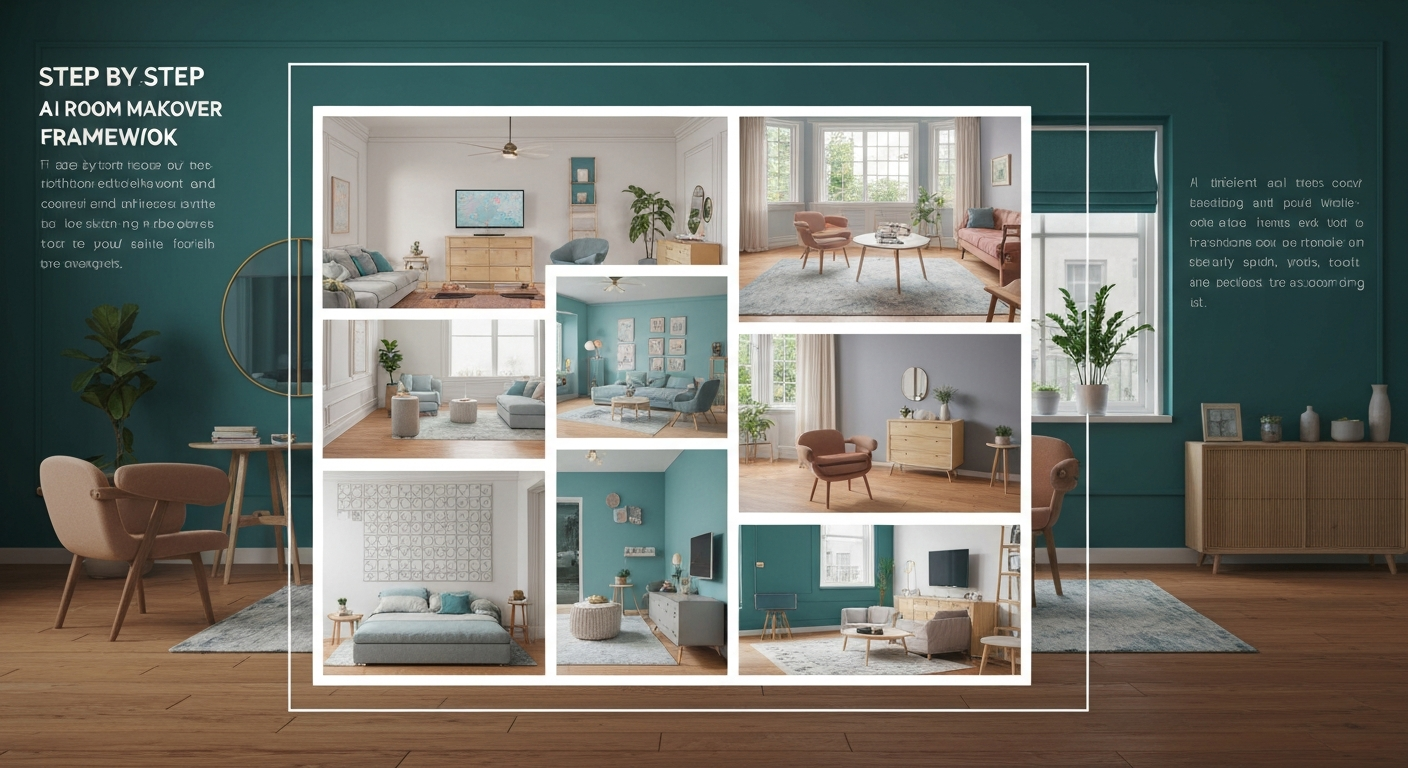
Understanding the AI Room Makeover Framework: Why a Structured Approach Matters
Understanding the AI Room Makeover Framework: Why a Structured Approach Matters
While AI tools like iDecorAI or RoomGPT promise instant room makeovers, the true challenge isn't generating images, but rather translating those pixels into a realistic, budget-friendly plan for your Vancouver condo or Calgary semi. Our human-centric step-by-step AI room makeover process framework addresses this by providing a clear blueprint, preventing inefficient experimentation and ensuring the final design is both personalized and achievable. This structured approach helps homeowners, about 70% of whom struggle to visualize changes before a renovation, effectively bridge the gap between virtual concepts and real-world execution.
Many homeowners feel overwhelmed by the sheer number of AI design tools available. Without a cohesive virtual room makeover with AI workflow, it's easy to waste time generating unrealistic ideas that don't fit a budget of, say, $5,000 for a primary bedroom refresh in an older Toronto townhouse. This framework integrates AI as a powerful assistant, not a replacement for your own vision, ensuring you maintain creative control.
A structured approach helps translate those exciting AI-generated concepts into practical, budget-friendly steps. Instead of just admiring a beautiful but unachievable rendering of a dining room, our framework guides you to refine AI outputs, creating actionable shopping lists and contractor briefs. This 'human-in-the-loop' method directly addresses the common fear of generating designs that are either too expensive or simply impossible to implement in a typical Canadian home.
Phase 1: Pre-AI Preparation – Defining Your Vision, Budget, and Constraints
Phase 1: Pre-AI Preparation – Defining Your Vision, Budget, and Constraints
Before any AI tool can offer helpful suggestions, you need a clear blueprint for what you want. This initial preparation phase is critical; it prevents wasted effort and ensures AI outputs are relevant and achievable, forming the bedrock of an effective step by step AI room makeover process framework.
Define Your Personal Style & Functional Needs
Start by collecting images you love—from Pinterest, magazines, or even local Canadian decor blogs. Create a mood board. List specific needs: Does your Vancouver condo living room need a dedicated workspace? Does the kids' playroom in Calgary require storage for dozens of Lego sets? This clarity guides AI much better than a vague "make it nice."
Set a Realistic Budget
Research suggests the average cost of a room makeover can range from $1,000 to over $10,000, according to HomeAdvisor data from 2023. Decide what you're comfortable spending and allocate funds for flooring, paint, furniture, and accessories. This financial boundary is vital; AI tools like iDecorAI can then filter suggestions to match your price point, avoiding champagne tastes on a beer budget.
Assess Existing Room Constraints
Measure your space accurately: wall lengths, window dimensions, and ceiling height. Note fixed elements like radiators in an older Montreal semi, electrical outlets, or an awkward support beam. Consider natural light; a north-facing room in Edmonton will need different colour strategies than a sunny, south-facing kitchen in Toronto. Unrealistic AI designs arise from inaccurate initial data.
Phase 2: AI Tool Selection & Input – Feeding Your Ideas to the Machine Smartly

Once your vision, budget, and constraints are clearly defined, the next crucial phase involves translating those human-centric ideas into a language AI can understand. This means selecting the right tools and feeding them your carefully prepared input to begin the step by step AI room makeover process framework effectively.
Choose the Right AI Design Tools
The market has many AI tools, from simple style generators to comprehensive 3D room planners like iDecorAI or Planner 5D. Consider your specific needs: are you just exploring colour palettes, or do you need a full furniture rearrangement for a small Toronto condo? Free tools offer basic visualization, while paid subscriptions often provide more detailed rendering and product integration. For example, if you're only looking to visualize new paint colours in a bedroom, a basic AI photo editor might suffice, but for a full kitchen reno in a Vancouver townhouse, a tool that handles floor plans and material textures is essential.
Prepare Your Input Data
AI's output quality directly reflects your input. Upload clear, high-resolution photos of your existing room—taken in good light, from multiple angles. Include accurate floor plans with dimensions, even if hand-drawn for a quick sketch. If you've created a mood board in Phase 1, ensure those images are ready. For instance, a blurry photo of a living room in a semi-detached home in Montreal will yield less precise AI suggestions than a crisp, well-lit image and a detailed floor plan showing window placements.
Craft Detailed Prompts
Think of prompts as your direct instructions to the AI. Use descriptive language, pulling keywords from your defined style (e.g., "mid-century modern living room," "hygge-inspired bedroom"). Specify colours ("sage green walls," "terracotta accents"), materials ("
Once your vision and constraints are clear, the real fun begins: watching AI bring concepts to life. This phase isn't about passively receiving designs; it's an active, collaborative effort, where your feedback shapes the AI's output into something truly reflective of your taste. Feed your prepared inputs (photos, style preferences, material choices) into your chosen AI tool. Request several distinct design options. Tools like iDecorAI can automate concept generation, potentially reducing the initial design phase time by up to 50%, according to industry estimates. For a small condo living room in Vancouver, you might ask for "three distinct modern minimalist layouts with a focus on natural light and built-in storage." Critically assess each AI-generated image. Does the suggested furniture fit your 12x15 foot bedroom in Calgary? Is the colour palette too bold for your preference, or just right? Identify specific elements that work well and those that miss the mark. This helps you understand how the AI interprets your requests. This is a crucial step in any step by step AI room makeover process framework. Use the tool's feedback mechanisms. Instead of "I don't like it," try "Keep the sectional sofa but change the wall colour to a muted sage green" or "Regenerate with a different lighting fixture, perhaps a flush mount instead of a chandelier." This precision guides the AI effectively
After generating various AI concepts for your living room or kitchen, the next critical phase involves bringing those virtual visions down to earth. This is where your human expertise transforms AI suggestions into realistic, actionable plans, bridging the gap between an exciting render and a functional, budget-conscious space. Don't accept AI outputs blindly. Overlay your personal preferences and practical knowledge. For instance, an AI might suggest a massive sectional for a 10x12 foot condo living room in Vancouver; you'd adjust to a more compact loveseat and armchair. This human-centric review addresses the fear of unrealistic AI suggestions, ensuring the design fits your actual life. Cross-reference AI suggestions with your budget and local availability. If iDecorAI suggests a custom marble countertop, but your budget for a kitchen refresh in Calgary is $5,000, you'll pivot to a durable laminate or quartz composite. The average cost of a room makeover can range from $1,000 to over $10,000, making this validation crucial for budget management, according to HomeAdvisor data from 2023. Break down the refined design into specific items. For a bedroom makeover, this means listing a queen-sized bed frame (e.g., IKEA Malm), two nightstands, a specific paint colour (e.g., Benjamin Moore's Palladian Blue), and estimated costs. Identify potential vendors in your area, like HomeSense or Structube, to make procurement straightforward. After refining your AI-generated design to a realistic plan, the real work of transformation begins. This phase focuses on bringing those virtual concepts into your physical space, understanding that even the most detailed AI blueprint might need minor, human-driven adjustments once the paint dries and furniture arrives. Consult your detailed shopping list from Phase 4. Order everything from the paint colours (like Benjamin Moore's "Cloud White") to the sofa (perhaps from EQ3 or Structube). Pay close attention to lead times; a custom sectional from a Canadian manufacturer might take 12-16 weeks, impacting your overall timeline. Follow your plan for painting, wallpapering, and furniture assembly. Whether you're refreshing a small condo living room in Vancouver or a semi-detached kitchen in Montreal, treat your AI-generated layout as a detailed guide. This is where your step by step AI room makeover process framework truly gets tested in the real world. Once major elements are in place, step back. How does the AI's suggestion for a specific rug size look under your dining table in a Toronto townhouse? Does the suggested lighting scheme feel right at dusk, or is it too dim? Industry data suggests approximately 70% of homeowners struggle to visualize changes, so this physical assessment is critical. Start by uploading clear photos of your room and specifying its dimensions. Next, input your desired style (e.g., Scandinavian, industrial), preferred colour palette, and functional needs, like a dedicated home office setup in a spare bedroom. The AI tool then generates various design concepts. Review these initial ideas, select your favourites, and provide specific feedback for further iterations, refining the design until it aligns precisely with your vision for a comfortable, functional space. Before using an AI tool, gather inspiration images from magazines or platforms like Pinterest, noting specific elements you like for a Toronto townhouse living room. Measure your room accurately, including window and door placements. Define your functional needs, such as storage for hockey gear in a mudroom or a quiet reading nook. Clearly articulate your preferred aesthetic, colour schemes, and any existing furniture you plan to keep. This clarity helps the AI generate more relevant designs. Yes, many AI room makeover tools can assist with budget planning by suggesting materials and furniture within specified price ranges. For instance, you might request options for a kitchen renovation using durable, mid-range Canadian-made cabinetry instead of custom imports. While AI can provide estimated costs for items like flooring or paint, it's essential to cross-reference these with local suppliers in Vancouver or Montreal for accurate quotes. This helps manage expectations and avoid unexpected expenses. Human refinement is crucial because AI tools, while powerful, lack the nuanced understanding of personal taste, lifestyle, and practical constraints. An AI might suggest a stunning open-concept layout for a semi-detached home, but a homeowner knows their family needs a quiet study space. A designer can adjust for specific needs, like incorporating a beloved antique hutch or ensuring materials withstand harsh Canadian winters, adding the essential human touch for a truly livable space. Absolutely. AI room design frameworks are designed for personalization through iterative feedback. After an initial concept, you can instruct the AI to change specific elements, like swapping a sofa for a sectional, adjusting the wall colour from "greige" to a warmer "taupe," or adding more storage for winter gear in an entryway. Tools like iDecorAI allow users to continually refine designs, ensuring the final output perfectly matches their aesthetic preferences and functional requirements for a comfortable Canadian home. Zillow's new AI tool goes beyond staging, democratizing the 'designer's eye' for house hunters. It allows you to test personal style against a property's bones, fundamentally shifting how you visualize your dream home. The sheer volume of new AI interior design tools often complicates the design process for homeowners. Our Real-World Test of 13 platforms reveals which truly deliver actionable, budget-friendly plans. While many assume a personalized dream home requires a hefty budget, AI tools are fundamentally shifting this reality, acting as a personal project manager for your entire redesign. They provide a step-by-step blueprint that optimizes every phase, making your dream home a tangible goal.Phase 3: Generating & Iterating Designs – Collaborating with AI for Creative Concepts
Phase 3: Generating & Iterating Designs – Collaborating with AI for Creative Concepts
Generate Initial Concepts
Review and Analyze Outputs
Provide Targeted Feedback to AI
Phase 4: Refining AI Outputs – From Virtual Vision to Realistic, Actionable Plans
Review and Adjust AI Designs
Validate Feasibility and Budget
Create a Detailed Shopping List
Develop a Final
Phase 5: Implementation & Post-AI Adjustments – Bringing Your Dream Room to Life
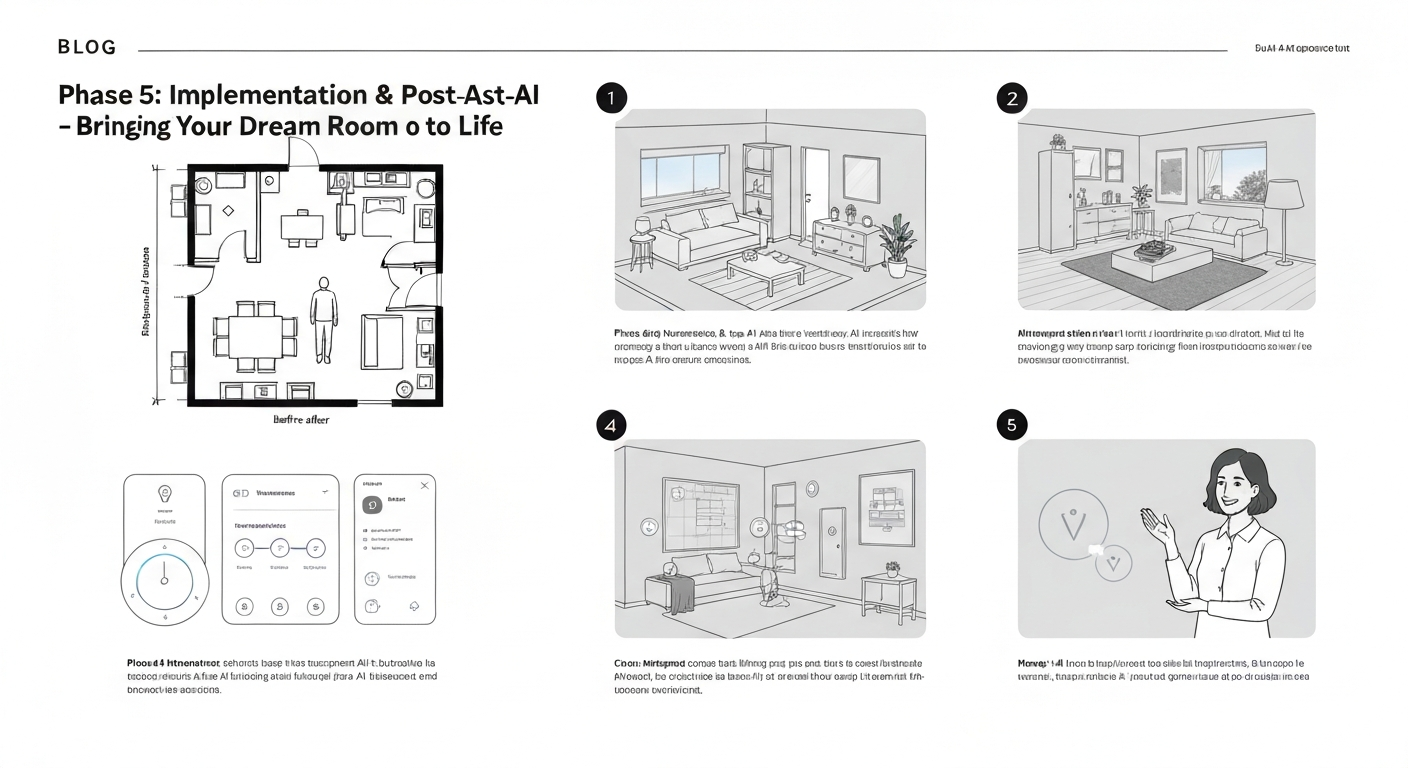
Procure Materials and Furniture
Execute the Renovation/Makeover
Conduct Real-World Assessment
Make Minor
Common Pitfalls to Avoid in Your AI-Powered Room Makeover
Common Pitfalls to Avoid in Your AI-Powered Room Makeover
Even with a solid step-by-step AI room makeover process framework, it's easy to stumble. Many homeowners in Vancouver or Montreal, eager to visualize a new living space, jump straight to AI generation without adequate preparation, leading to frustrating and unrealistic outcomes.
Common Missteps
Proactive Solutions
Maximizing Your AI Room Makeover: Tips for Personalization and Success
Maximizing Your AI Room Makeover: Tips for Personalization and Success
An AI-assisted room makeover truly shines when you, the homeowner, remain at the creative helm. While tools like iDecorAI can generate stunning initial concepts, the magic happens when you infuse your unique personality. Think of AI as an incredibly fast sketch artist; it provides a strong foundation, but your favourite ceramic vase from a trip to Quebec City, or a cherished family photo gallery, is what makes a house a home. This human-in-the-loop approach ensures the final design resonates deeply with your lifestyle and memories.
Sometimes, AI will present an unexpected colour palette or furniture arrangement that initially feels "wrong." Instead of dismissing it, consider why it might have made that choice. A senior kindergarten teacher in Halifax, for example, used an AI suggestion for a bold, unexpected accent wall colour in her living room, a shade she'd never considered, which ultimately became her favourite feature. This collaborative push-and-pull can spark genuinely innovative ideas, transforming the design process into a creative partnership. If the AI *does* suggest something truly unworkable, like a fireplace in the middle of a small condo living room, refine your prompts. Be more specific about room dimensions or functional needs.
Leveraging AI for multiple "what if" scenarios is where its power truly lies. Before committing to buying a new sofa for your Toronto semi-detached house, use an AI tool to visualize how different sizes or orientations might impact traffic flow or natural light. This iterative testing, a core part of any effective step by step AI room makeover process framework, saves both time and potential regret. As you refine your vision, always ask yourself *why* you like or dislike an AI's output; this
Frequently Asked Questions
What is the step-by-step process for using AI to redesign a room?
How do I prepare my ideas and requirements before inputting them into an AI room design tool?
Can AI room makeover tools help me stay within my budget for renovations?
Why is human refinement important after an AI generates room design concepts?
Is it possible to personalize the outputs from an AI room design framework?
Frequently Asked Questions
What is the step-by-step process for using AI to redesign a room?
How do I prepare my ideas and requirements before inputting them into an AI room design tool?
Can AI room makeover tools help me stay within my budget for renovations?
Why is human refinement important after an AI generates room design concepts?
Is it possible to personalize the outputs from an AI room design framework?
Keep reading
All articles →
Visualize Your Dream Home: Zillow AI's Reality Check & How to Master It

Real-World Test: We Tried 13 AI Interior Design Tools So You Don't Have To (Here Are Our Top 3 Picks!)

Dream Home on a Budget & Timeline: AI for Faster, Affordable Redesigns